We use cookies to analyse traffic and improve your experience. Accept all to help us make Hopper HQ better, or reject non-essential cookies. See our Privacy Policy.
Set your posts once and let Hopper HQ publish them for you, right on time, across every platform, even when you're offline.

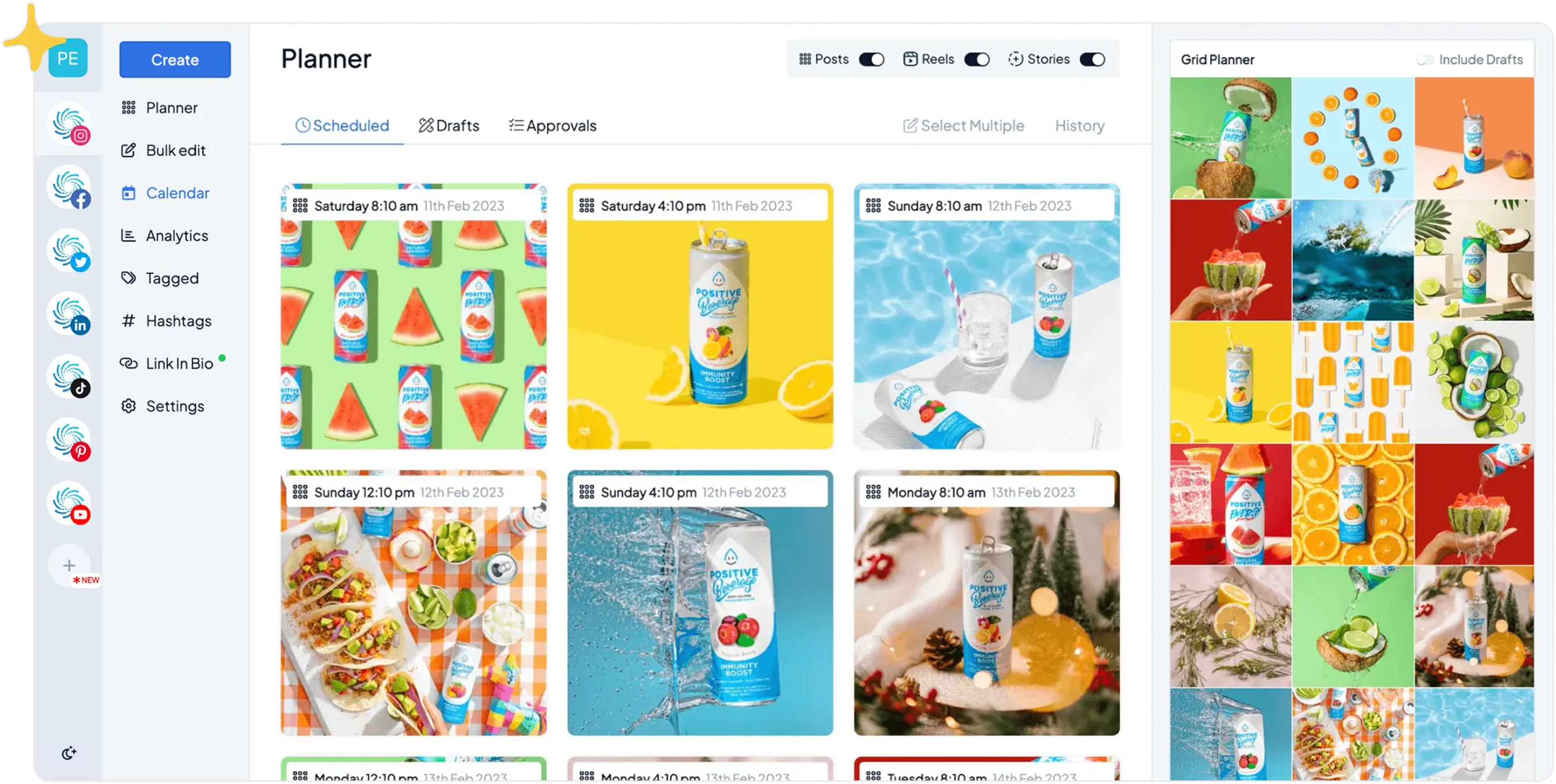
Hopper HQ auto posts to nine of the biggest social networks, so every account you already run publishes on time from a single calendar, no app-hopping required.
Auto posting takes three steps in Hopper HQ, and you only touch the first two.
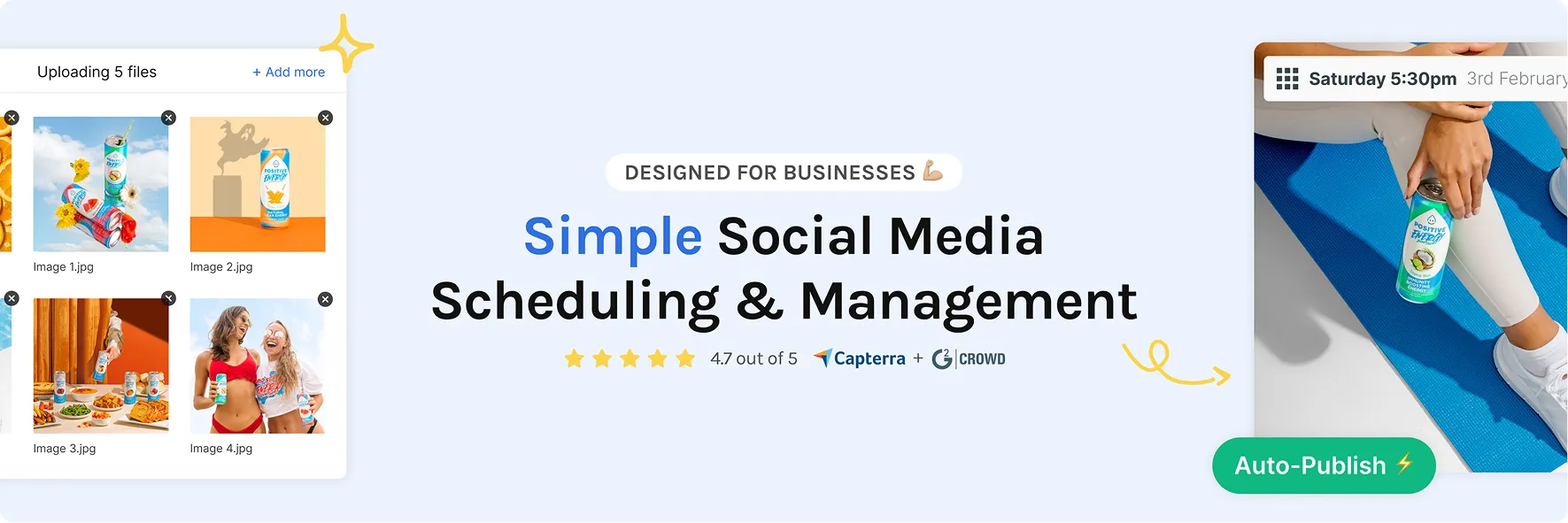
Upload your photo or video, write your caption, and add any hashtags, tags, or a first comment. Do it for one platform or several at once.
Choose the day and time you want it live, or drop it onto your calendar and let your default posting slots fill the rest of the week automatically.
Your content goes live at the exact moment you chose, with no reminders and no manual steps. You get a confirmation the second it posts.
14-day free trial. Cancel anytime.
Line up your content once and Hopper HQ publishes it for you, on the day and time you chose, even when you're in a meeting or fast asleep.
No phone alarms, no scrambling to hit publish between meetings.
Queue days, weeks, or months of posts in a single sitting.
Set your slots once and let your calendar fill itself each week.
A feed that never goes quiet, even through your busiest weeks.
Know the moment your content goes live, no guesswork.
Save half-written posts and finish them later without losing your place.
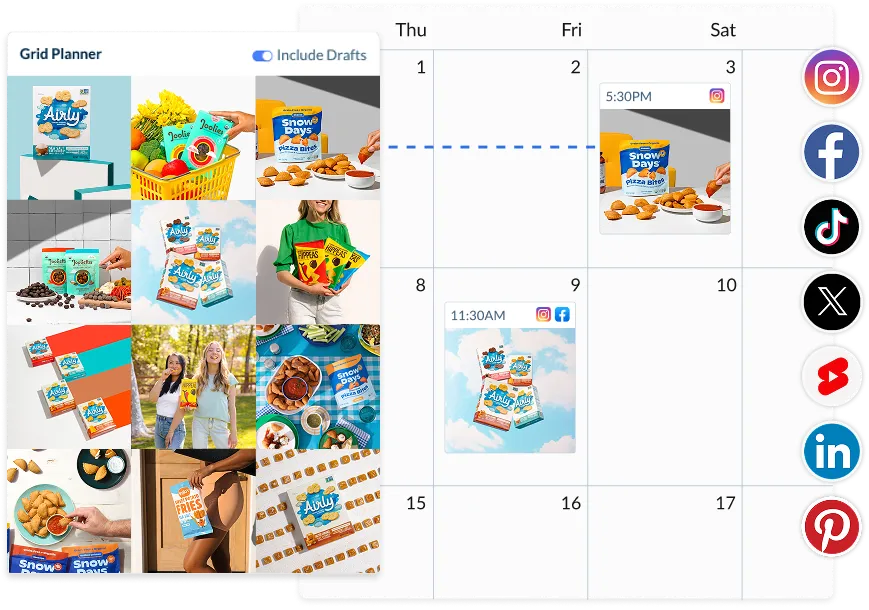
One login, one queue, every network you care about. Connect your accounts once and auto post to any of them from a single calendar.
Instagram, TikTok, Facebook, LinkedIn, X, Pinterest, YouTube, Threads and Bluesky.
Auto publish Reels, carousels, feed posts, and video straight from your desktop.
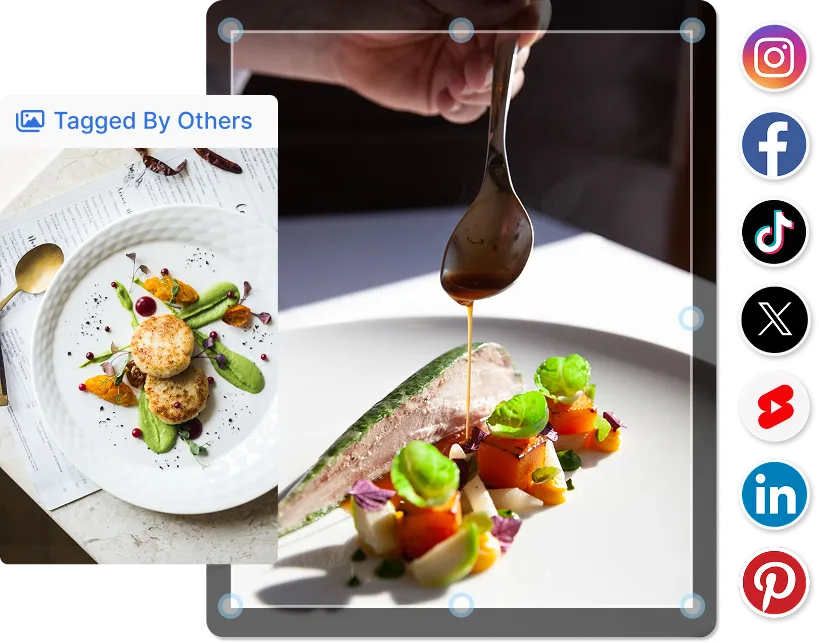
Send the same content to several networks at once, with per-platform captions.
Hopper HQ is an official Meta Business Partner and posts through official APIs.
Pre-load your first comment and pull from saved hashtag sets.
Auto post most formats without ever picking up your phone.
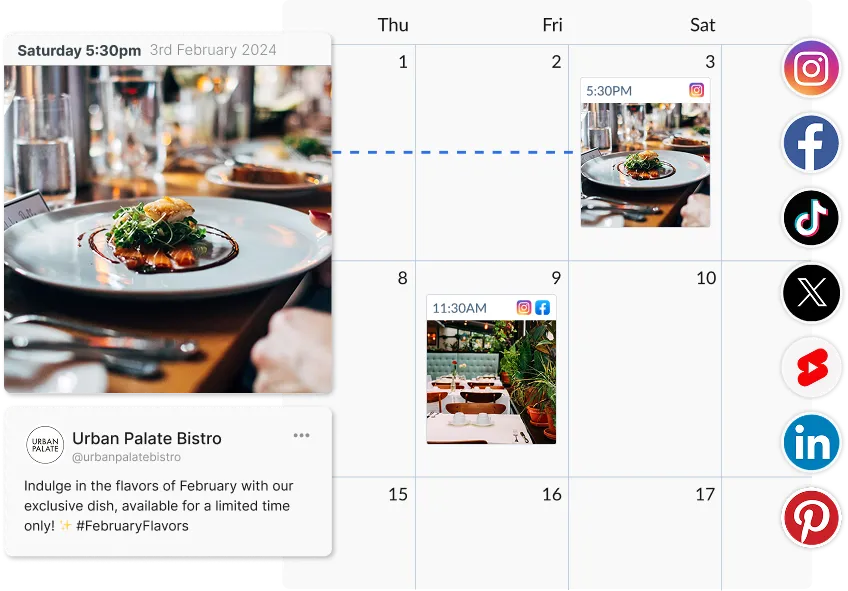
Whether you're a team of one or juggling ten accounts, auto posting takes the routine off your plate so your time goes where it matters.
Batch your content and let it post around your real life, not the other way around.
Stay visible while you focus on the work that actually pays the bills.
Plan campaigns weeks ahead on a shared content calendar and publish on time.
Run every client's schedule from one dashboard, built for agencies.
Every brand and every team-mate, together in one calm workspace.
Get sign-off before anything auto posts, without spreadsheets or Slack threads.
Manual posting means being online at the right moment, every time. Auto posting hands that job to Hopper HQ so you get the time back.
| Workflow | Hopper HQ auto posting | Posting manually |
|---|---|---|
| Posts go live without you being online | ✓ | ✗ |
| Schedule a month of content in one sitting | ✓ | ✗ |
| Publish one post to nine networks at once | ✓ | ✗ |
| Auto publish Reels and carousels from desktop | ✓ | ✗ |
| Consistent posting through your busiest weeks | ✓ | ✗ |
| Time spent publishing per week | Minutes | Hours |
| Risk of missing a post | None, it's scheduled | High |
Auto posting is for the people who've outgrown posting one network at a time. If that's you, it's a natural next step.
14-day free trial. Rated #1 for ease of use.
Social media auto posting is when a tool publishes your content for you at a chosen date and time, with no manual step at the moment it goes live. You write the caption, add your media, pick the networks, and Hopper HQ queues each post and auto publishes it on time across Instagram, TikTok, LinkedIn, Facebook, X, Pinterest, Threads, YouTube Shorts and Bluesky.
Scheduling is the planning step, what goes out and when. Auto posting is the part that actually publishes it. Some tools only plan and then send a push notification to post by hand, which doesn't save time. Hopper HQ does both, so the work ends when you click "schedule".
Time and consistency. Auto posting turns hours of daily uploads into one planning session, and your content still goes out on time when you're offline. A visual calendar lets you spot gaps and balance your content before anything publishes.
Feed posts, Reels, carousels, and video auto publish directly across every supported network. Instagram Stories use a one-tap mobile reminder, since Meta still gates direct Story publishing. Everything else goes live on its own, straight from your desktop.
Yes, as long as the tool uses each network's official API. Hopper HQ is an official Meta Business Partner and connects through approved APIs for every platform, so your accounts stay within terms of service and your credentials are never stored in plain text.
Batch a month of Reels and TikToks in one session, then let them auto post while you make your next thing.
Line up a quarter of content in an afternoon. Stay visible while you run the business that pays the bills.
One calendar for every channel. Approve posts, then let them publish on time without anyone lifting a finger.
Auto post across unlimited client accounts. Built for the brands managing many brands, see our agency tools.
14-day free trial. Cancel anytime.

Social media auto posting means your content publishes on its own, with no manual step at the moment it goes live. You write the caption, add your image or video, and choose a date and time. Hopper HQ handles the rest, so your posts go out exactly when you planned, whether you're in a meeting, on holiday, or simply offline.
Hopper HQ auto posts across Instagram, TikTok, Facebook, Threads, LinkedIn, Pinterest, X (Twitter), YouTube, and Bluesky. You can publish to one platform at a time, or cross-post the same content to several channels at once from a single calendar.
It's straightforward. Create your post in Hopper HQ, add your caption and media, then pick when you want it live. Hopper HQ publishes it automatically at that time, with no reminders and no manual steps. You can plan days, weeks, or months of content in advance and let your calendar run itself.
Yes. Hopper HQ publishes through the official API for every platform it connects to, so your accounts stay fully within each platform's terms of service. There's no third-party workaround and nothing that puts your account at risk, which means you can auto post with total peace of mind.
You can auto publish Instagram Reels, carousels, and feed posts directly through Hopper HQ. For Stories, Hopper HQ sends a quick mobile notification at your scheduled time so you can post with one tap. It keeps you consistent without handing over full account access for Story formats.
Yes. Write your content once, select every network you want it on, and Hopper HQ auto posts to all of them at your chosen time. You can tailor the caption per platform so each post reads naturally, then let cross-posting handle the rest.
Scheduling is planning when a post should go live. Auto posting is the part that actually publishes it for you at that time, with nothing left to do. Hopper HQ does both: our social media scheduler queues your content, and auto posting sends it out on time. No reminders, no last-minute rush.
Yes. Hopper HQ comes with a 14-day free trial of the full product. Connect your accounts, schedule posts across every supported network, and watch them auto publish on time before any charge. You can cancel anytime during the trial.
Schedule your content once and let Hopper HQ auto post it on time, while you focus on everything else.








