We use cookies to analyse traffic and improve your experience. Accept all to help us make Hopper HQ better, or reject non-essential cookies. See our Privacy Policy.
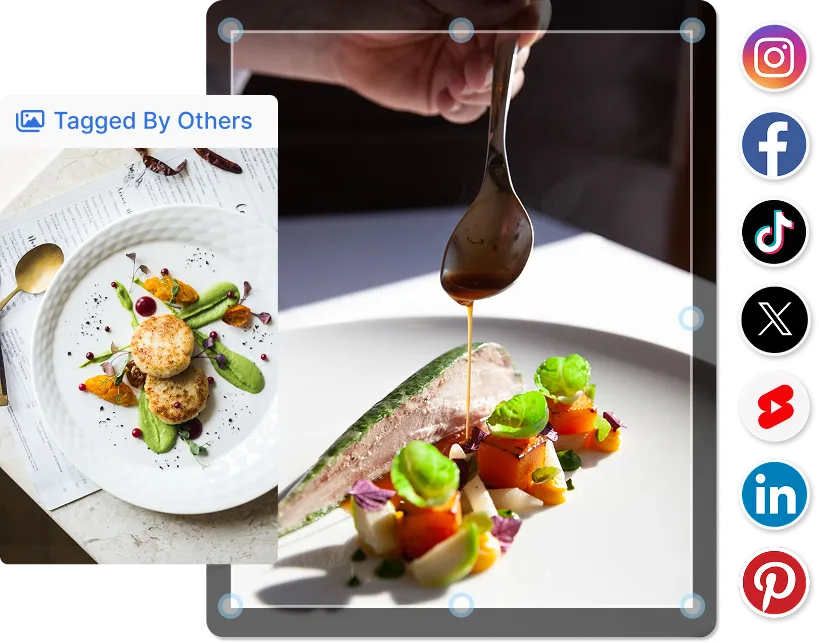
Schedule social media posts across Instagram, TikTok, Facebook, LinkedIn, X (Twitter), Pinterest, Threads, Bluesky and YouTube, from one visual calendar that auto-publishes on time, every time.













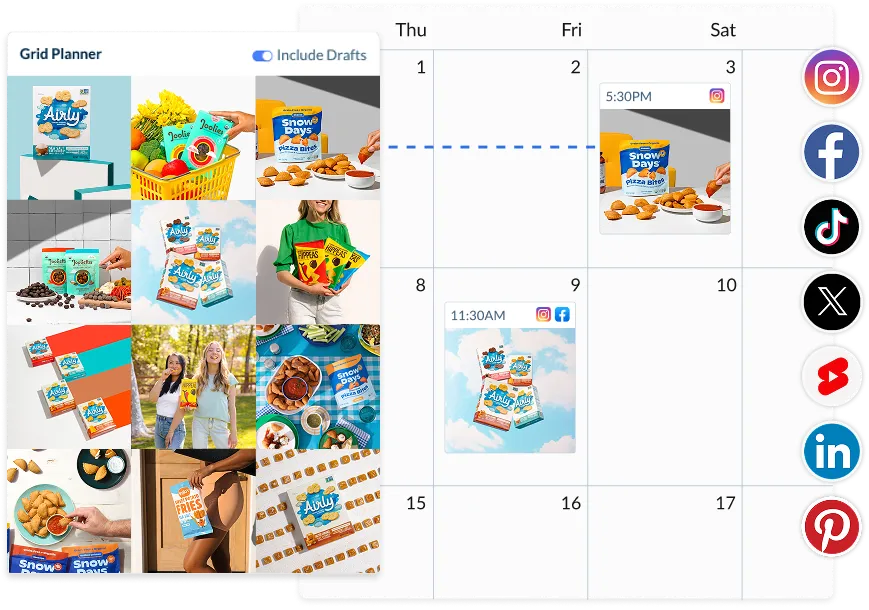
Hopper HQ’s social media scheduler supports nine of the biggest social networks, so the platforms you already post to are all visible on a single calendar, with auto-publishing for every one.
A scheduling workflow built for people who don’t have time for complicated tools.
Link Instagram, TikTok, Facebook, LinkedIn, X, Pinterest, Threads, YouTube and Bluesky in a couple of clicks. Every connection uses the official network APIs, so your accounts stay safe and within terms.
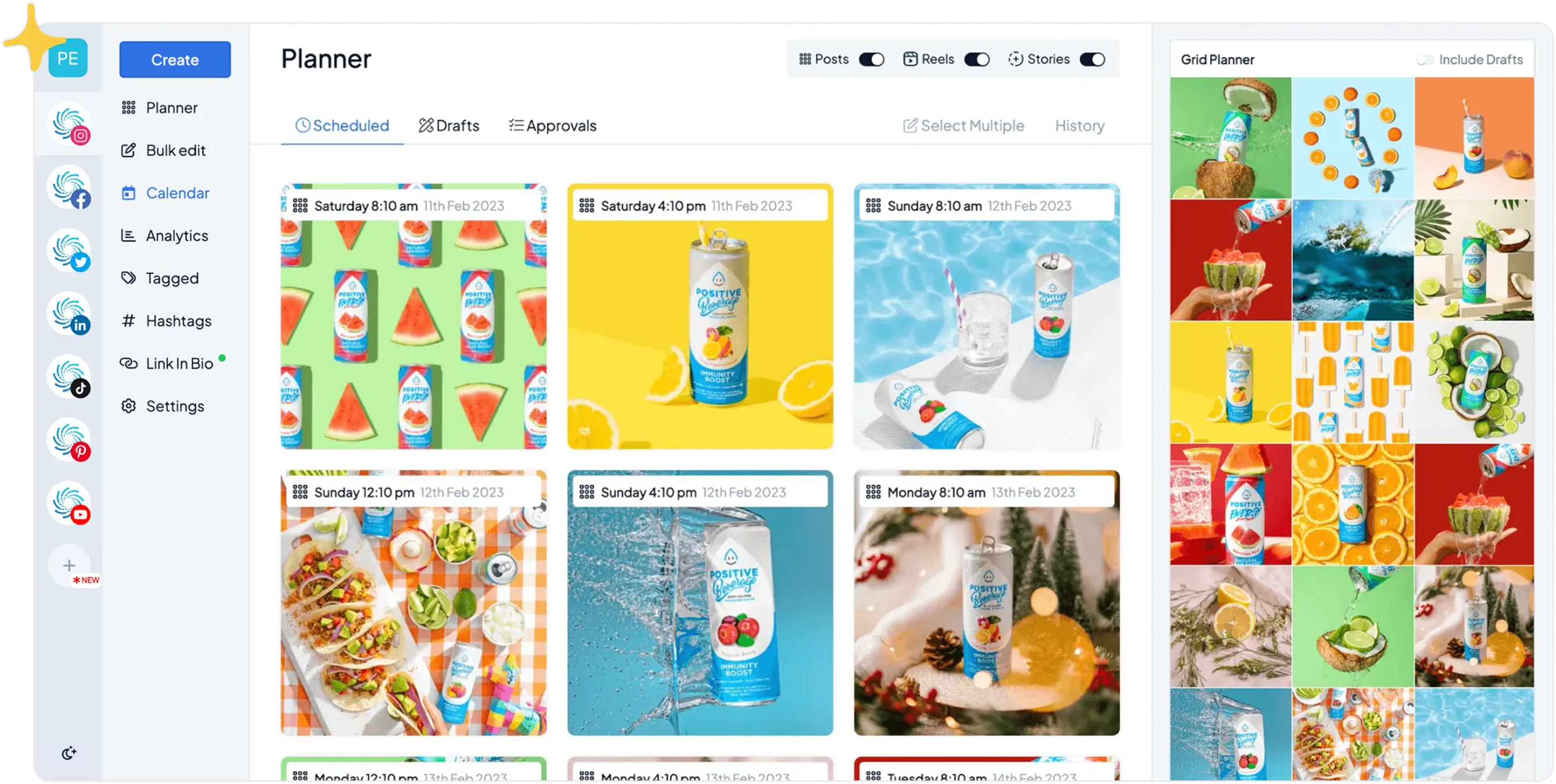
Drag-and-drop posts onto a visual calendar. Bulk upload a whole month at once, set default post times, and preview your Instagram and TikTok grids before anything goes live.
Your scheduled posts publish themselves at the exact time you chose, no reminders, no manual steps.
14-day free trial. Cancel anytime.
Drag-and-drop content into a visual calendar that shows every social network at a glance, no more app-hopping between platforms.
Instagram, TikTok, LinkedIn, Facebook, X, Pinterest, Threads, Bluesky and YouTube, side by side.
Move scheduled posts around without re-uploading anything.
Switch between a planning calendar and an Instagram or TikTok grid preview.
Set once, the scheduler fills the right slots automatically.
Schedule in your local time even for audiences anywhere in the world.
Save half-written posts and finish them later without losing your place.
.webp)
Your scheduled posts go live by themselves, on time, every time, on every network. No reminders, no manual taps.
Auto-publish every major format without being at your phone.
Pre-load comments and pull from your saved hashtag sets.
Hopper HQ is an official Meta Business Partner.
Pick your default times and Hopper HQ fills them every week.
Schedule the same content to multiple networks, with per-network captions.
If a network rejects a post, you get an alert with a one-click retry.
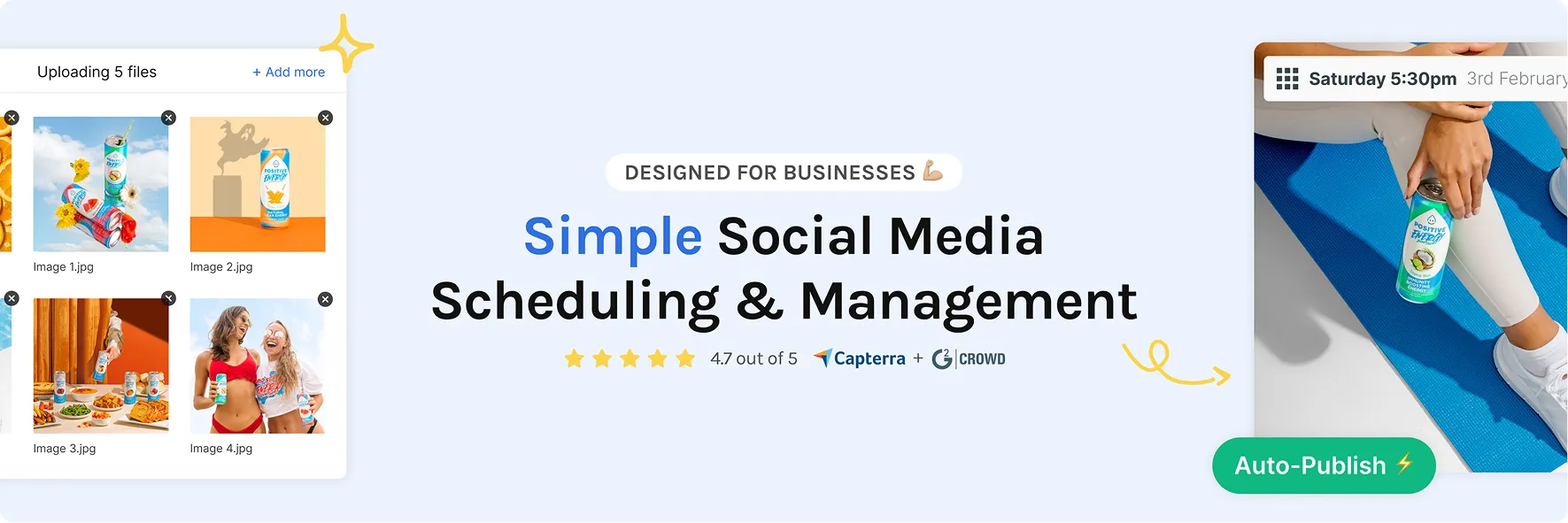
Bulk upload, analytics, AI captions, link in bio, team approvals. Every supporting tool sits inside the scheduler so you don’t have to leave the tab.
Drop a CSV or batch-upload media, Hopper HQ slots it into the calendar.
See reach, engagement and follows for posts on Instagram, Facebook, X and LinkedIn.
Generate fresh, on-brand copy without leaving the scheduler.
A free page that updates as you schedule new posts.
Plan, schedule, bulk upload and approve from a real keyboard, no phone required.
Every brand, every team-mate, one dashboard, built for agencies.
A social media scheduler isn’t a luxury, it’s how serious marketers reclaim a working day every week.
| Workflow | Hopper HQ scheduler | Posting manually |
|---|---|---|
| Plan a week of content in one focused session | ✓ | ✗ |
| Bulk upload a month of posts at once | ✓ | ✗ |
| Auto-publish without push notifications | ✓ | ✗ |
| Schedule one post to 9 networks at once | ✓ | ✗ |
| See your Instagram & TikTok grid before posting | ✓ | ✗ |
| Analytics on Instagram, Facebook, X & LinkedIn posts | ✓ | ✗ |
| Time spent posting per week | 30–60 minutes | 10–15 hours |
| Risk of missing a post | None, it’s scheduled | High |
Hopper HQ is built for the people who’ve outgrown posting one network at a time. If that’s where you are, it’s a natural next step.
14-day free trial. Rated #1 for ease of use.
A social media scheduler is a tool that plans posts in advance and publishes them automatically at a chosen date and time. Write captions once, upload your media, pick the networks, and the scheduler queues each post, auto-publishing on time across Instagram, TikTok, LinkedIn, Facebook, X, Pinterest, Threads, YouTube Shorts and Bluesky.
Scheduling is the planning step, what goes out and when. Auto-publishing is the actual posting. Some tools only plan and then send a push notification to post manually, that’s “reminder-based” and doesn’t save time. Hopper HQ does both, on every supported network, so the work ends when you click “schedule”.
Time, consistency and perspective. Planning a week of content takes 30–60 minutes, posting manually takes 10–15 hours. Posts go out when your audience is online, even when you’re asleep. A visual calendar lets you spot gaps and balance content types before anything goes live.
Reel auto-publishing (not reminders), every network you actually post to, a visual calendar, bulk upload and per-platform captions for cross-posts. Plus first-comment scheduling, hashtag groups, grid preview, analytics on Instagram, Facebook, X and LinkedIn posts, and a team workflow. Hopper HQ ships with all of these as standard.
Yes, as long as the tool uses each network’s official API. Hopper HQ is an official Meta Business Partner and connects via public APIs for every supported platform. Scheduled posts go through approved routes, accounts stay within terms of service, and credentials are never stored in plain text.
Batch a month of Reels and TikToks in one session. Cross-post to every network you’re building an audience on, without re-uploading.
Plan a quarter of content in an afternoon. Stay visible while you focus on the business that pays the bills.
One calendar for every channel. Approve posts, leave comments, hand off shifts, without spreadsheets or Slack threads.
Schedule across unlimited client accounts. Built for the brands managing many brands, see our agency tools.
14-day free trial. Cancel anytime.

A social media scheduler is a tool that lets you plan posts in advance and publish them automatically at a chosen date and time. Hopper HQ is a social media scheduler that auto-publishes to Instagram, TikTok, Facebook, LinkedIn, X (Twitter), Pinterest, Threads, YouTube Shorts and Bluesky from one calendar, so you can batch your content once and stay consistent for weeks.
Hopper HQ schedules posts to Instagram (feed posts, Reels and carousels), TikTok, Facebook, LinkedIn (profiles and company pages), X (Twitter), Pinterest, Threads, YouTube Shorts and Bluesky. You can schedule to one network at a time, or cross-post the same content to multiple networks in a single click.
Upload your media, write your caption, pick the social networks you want to post to, and choose a date and time. Hopper HQ adds the post to your scheduling calendar and auto-publishes it for you at that exact time. You can drag-and-drop scheduled posts to rearrange, bulk upload a whole month at once, or use saved posting slots to fill your calendar automatically.
Yes. Hopper HQ offers a 14-day free trial of the full social media scheduler. You can connect your social accounts, schedule posts across every supported network, and try bulk upload, analytics and cross-posting before any charge, and you can cancel anytime during the trial.
The best scheduler is one that supports every network you actually post on, auto-publishes without push notifications, and is fast enough to use daily. Hopper HQ is consistently rated #1 for ease of use by small business owners on G2 and Capterra, because the scheduling calendar is visual, the auto-publishing is reliable, and the support team responds in minutes, not days.
A scheduler is the planning layer, the calendar, the queue, the bulk upload. An auto-poster is the publishing layer, the bit that actually pushes the post to the network. Some “schedulers” only handle planning and then send you a push notification to post manually. Hopper HQ does both: it’s a scheduler and an auto-poster, so the post goes live without you doing anything else.
You can schedule posts as far ahead as you like, weeks, months, even a full year for evergreen campaigns. Most Hopper HQ users schedule one to four weeks ahead so they can react to trends, but bulk upload makes a quarter of content possible in a single afternoon.
Yes. Open the scheduled post on the calendar, edit the caption, swap the media, change the time, or drag it to a different day. Changes save instantly. Once a post has already published, you can edit it on the network itself the same way you would any post.
Even one post a day adds up to 365 manual uploads a year. A scheduler turns that into one planning session a week, frees up the time you’d spend opening apps and uploading media, and protects against the days you’re too busy to post at all. Most Hopper HQ users start with one post a day and end up posting more, simply because the friction is gone.
Yes. Reels auto-publish through the official Instagram API, same as feed posts and carousels. Stories use a notification-based flow for now (Meta’s API still gates direct Story publishing), so Hopper HQ sends a single mobile alert at your scheduled time and you tap once to post. See the Instagram scheduler page for the full breakdown.
Yes. Hopper HQ is an official Meta Business Partner and uses the public APIs published by every supported network. That means scheduled posts go through approved channels, your accounts stay inside each platform's terms of service, and your credentials are never stored in plain text.
Yes, the entire Hopper HQ scheduler runs in your browser on Mac, Windows and Linux. Plan, bulk upload, edit captions, preview your Instagram grid and auto-publish, all from a real keyboard without picking up your phone. Built for marketers and agencies who batch content in focused sessions.
Plan a month of content in one sitting. Hopper HQ handles the publishing while you focus on running your business.








