We use cookies to analyse traffic and improve your experience. Accept all to help us make Hopper HQ better, or reject non-essential cookies. See our Privacy Policy.
The stress-free way to plan, schedule, and stay consistent across every platform. All from one clear calendar view.

.webp)












Three steps between you and a month of consistent posting.
Link Instagram, TikTok, Facebook, LinkedIn, X (Twitter), Pinterest, Threads, YouTube Shorts, and Bluesky in a couple of clicks. Every account shows up on the same calendar from day one.
Batch-create posts in one focused session, or bulk upload a whole month at once. Drag posts onto the day and time you want, and drag them again when plans change.
Hopper HQ auto-publishes every post at the time you chose. No reminders, no push notifications, no last-minute scrambles.
14-day free trial. Cancel anytime.
The whole month on one screen, so you always know what’s going out, where it’s going, and where the gaps are.
Instagram, TikTok, LinkedIn, Facebook, X, Pinterest, Threads, YouTube Shorts and Bluesky, side by side.
Narrow the view by account, platform, or post status when things get busy.
Plan the days up close or zoom out to see the full month’s rhythm.
Draft, scheduled, or published. You’ll never wonder what state a post is in.
Empty days stand out, so consistency slips never sneak up on you.
Schedule in your local time for audiences anywhere in the world.
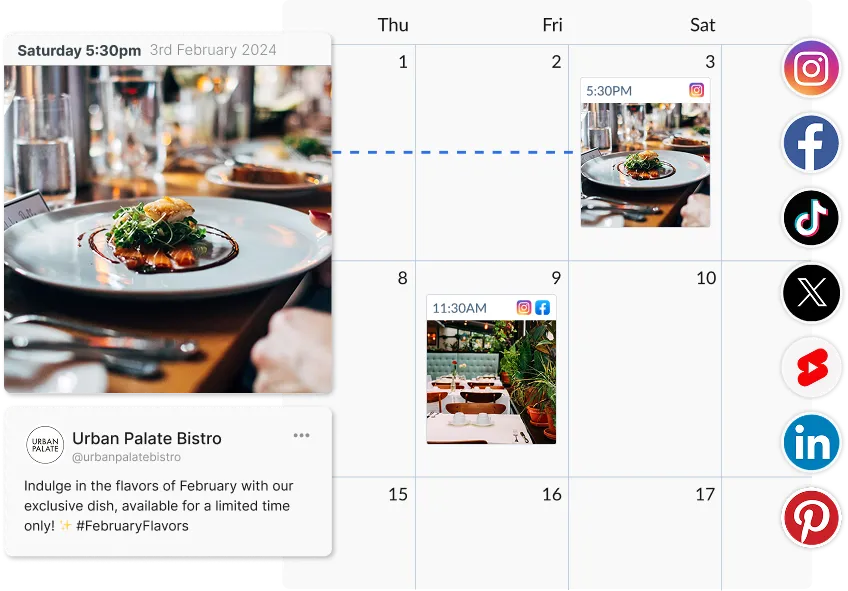
Great social media is planned, not improvised. Map the moments that matter, then fill the space between them.
Plan around launches, promotions, and seasonal peaks weeks in advance.
Fill quiet weeks with trending moments from our free social media holiday calendar.
Draft a whole campaign in one sitting while the ideas are flowing.
Save half-finished posts and pick them up later without losing your place.
Schedule one announcement to every network at once, with per-network captions.
Import a month of content in minutes and let it slot into the calendar.
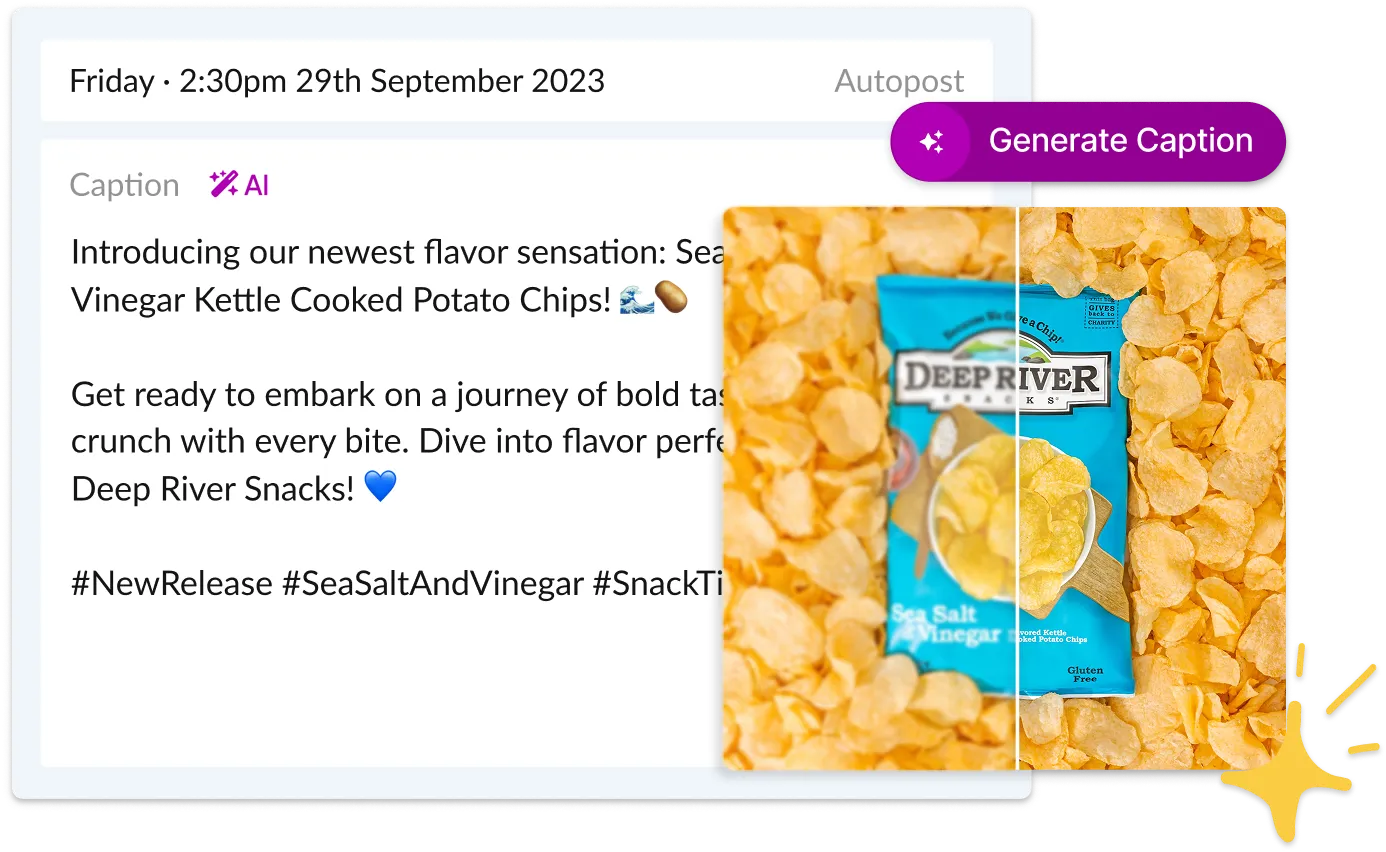
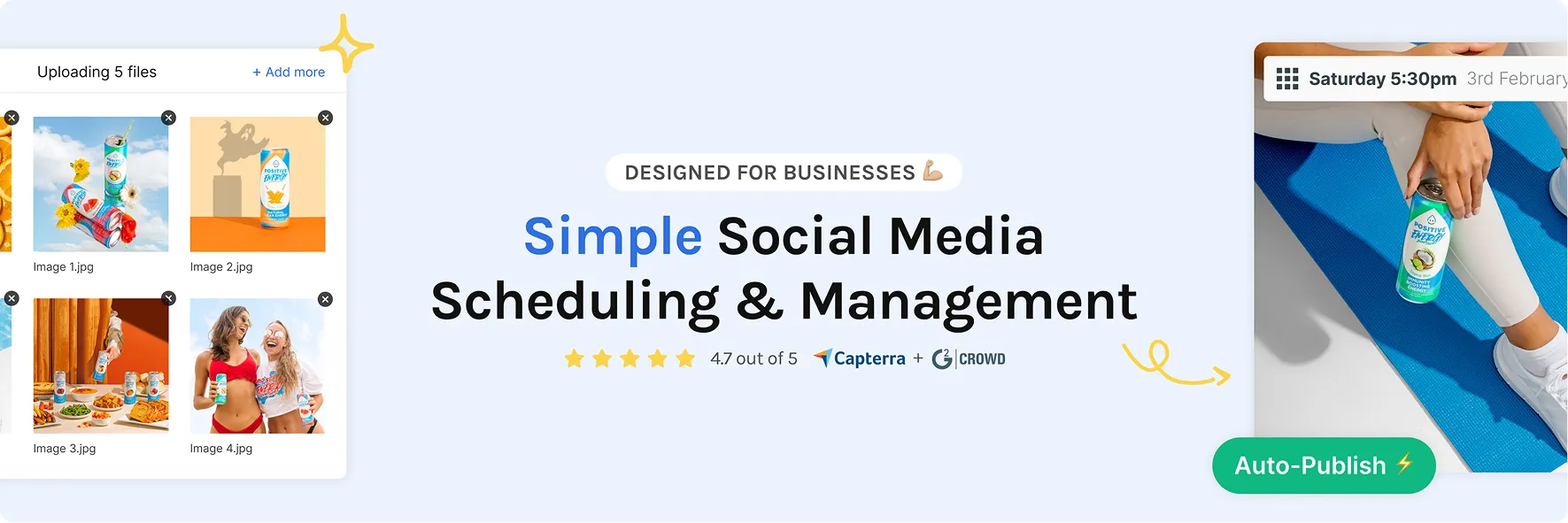
The calendar isn’t just for looking at. Every post on it publishes itself at the time you set.
Reels, carousels, videos, and more go live on their own, on time.
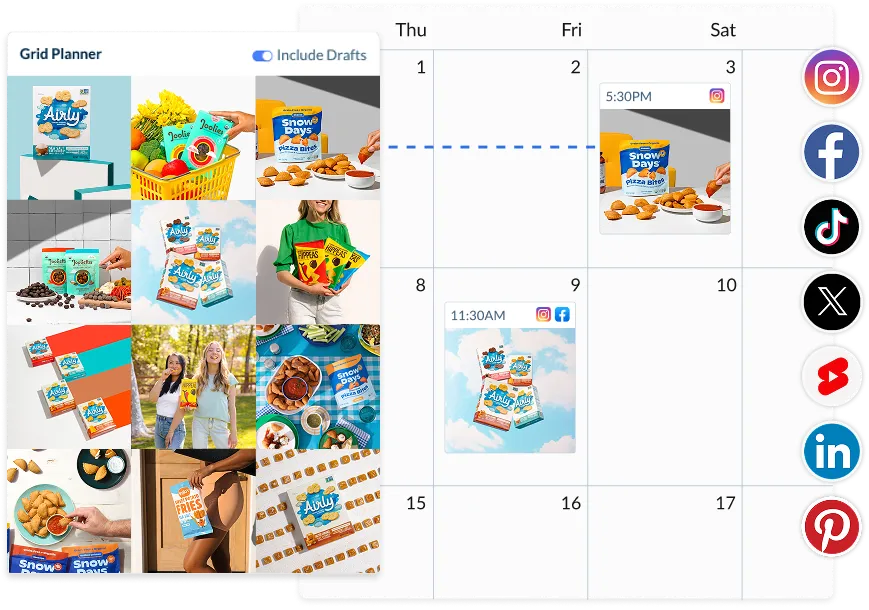
Switch to the built-in grid view and see your Instagram feed exactly as followers will.
Plans change. Move a post to a new slot and the schedule updates itself.
Captions, creative, and timing stay editable until the moment of publishing.
If a network rejects a post, you get an alert with a one-click retry.
Hopper HQ is an official Meta Business Partner, so your accounts stay safe.
Spreadsheet templates are a great start. But the plan lives in one place and the posting happens somewhere else, and that gap is where consistency breaks.
| What you need | Hopper HQ calendar | Spreadsheet template |
|---|---|---|
| Posts publish themselves at the planned time | ✓ | ✗ still posting by hand |
| See every platform’s content in one view | ✓ | Only what you typed in |
| Captions, creative & status stored together | ✓ | Links and tabs everywhere |
| Drag and drop to reschedule | ✓ | Re-type dates by hand |
| Preview your Instagram grid before posting | ✓ | ✗ |
| Team comments & approvals on the post itself | ✓ | Comment threads in cells |
| Time spent posting per week | 30–60 minutes | Hours of copy-paste |
| Risk of missing a post | None, it’s scheduled | High |
Love your spreadsheet? Keep it for brainstorming. When a post is ready to become real, it belongs on a calendar that publishes it for you.
14-day free trial. Cancel anytime.
A social media calendar tool is software that lays every planned post out on a visual calendar, then publishes each one automatically at the time you set. Unlike a spreadsheet, it connects directly to your social accounts, so the plan and the posting happen in the same place. Hopper HQ’s calendar covers Instagram, TikTok, Facebook, LinkedIn, X (Twitter), Pinterest, Threads, YouTube Shorts, and Bluesky.
A template, like a Google Sheets social media calendar template, is a document you fill in by hand, and the posting is still on you. A calendar tool does the publishing too: plan the post once and it goes out on schedule. If you’ve outgrown your spreadsheet, this is the natural next step.
Every post’s date and time, platform, caption, creative, and status, all visible at a glance. Plus filters by account and platform, a preview of your Instagram grid, and drag-and-drop rescheduling for when plans change. Hopper HQ ships with all of this as standard.
Anyone posting to more than one account or platform: small business owners, creators, marketers, and agencies. If social media matters to your business but you can’t let it eat your week, a posting calendar is how you stay consistent without it taking over.
Fill the calendar once a month, then get back to running your business. Consistency without the daily scramble.
Map your feed weeks ahead, keep the grid on-brand, and batch a month of Reels in one focused session.
One calendar for every channel and campaign. Approvals and comments happen right where the content lives.
Every client’s calendar, side by side. Filter by account and give clients a clear view with our agency tools.
14-day free trial. Cancel anytime.

A social media content calendar is a planning tool that lets you organize, schedule, and manage your posts across every platform in one place. Instead of deciding what to post each day, you plan ahead, filling your calendar for the week or month, then let your social media scheduler publish everything automatically. It keeps your content consistent, intentional, and stress-free.
A good social media content calendar should include the post date and time, the platform you're posting to, the caption and creative assets (images or video), any hashtags, and the post status: draft, scheduled, or published. Hopper HQ keeps all of this in one visual view so you can see every detail at a glance and make changes in seconds.
Yes. Hopper HQ supports Instagram, Facebook, Threads, TikTok, LinkedIn, Pinterest, X (Twitter), and YouTube Shorts, all from one dashboard. You can view all your accounts together, filter by platform, account, or post status, or cross-post the same content to multiple networks at once.
Most social media managers plan content one to four weeks ahead. Scheduling in advance lets you align posts with campaigns, product launches, and seasonal moments, and means you're not scrambling for ideas day to day. With Hopper HQ, you can schedule as far ahead as you like. There's no limit. Plan in one session, then let the calendar run on autopilot.
Start by deciding how often you want to post on each platform, then map out your content themes and key dates for the month. From there, batch-create your posts: write captions, add images or video, and assign publish times. A tool like Hopper HQ gives you a visual calendar to do all of this in one place, then auto-publishes everything on schedule.
Yes. The calendar includes a built-in grid view that shows your planned Instagram feed exactly as it will appear to your followers. Drag posts around until the layout looks right, all without leaving the calendar.
Yes. Invite your team members, leave comments on posts, and set approval workflows so nothing goes live before it's signed off. Agencies can manage every client's calendar from one dashboard with our agency and large brand tools.
Absolutely. Map launches, promotions, and seasonal campaigns on the calendar weeks ahead, and use our free social media holiday calendar to find trending dates and hashtags worth posting about.
Just drag the post to a new day or time, or open it to edit the caption, creative, or platforms. Everything stays editable right up until the moment it publishes.
Hopper HQ offers a free 14-day trial that includes full access to the content calendar. Start your trial to plan your first month of content across every platform.
Fill your calendar in one sitting, then let Hopper HQ publish every post for you. Less scrambling, more showing up.