We use cookies to analyse traffic and improve your experience. Accept all to help us make Hopper HQ better, or reject non-essential cookies. See our Privacy Policy.
Upload hundreds of posts in one go. Save time, stay consistent, and keep your content flowing.














Instagram bulk upload in four steps. One sitting, and your next month of content is ready to go.
Put your images and videos in one folder. Grouping them by campaign or theme makes the next step much quicker.
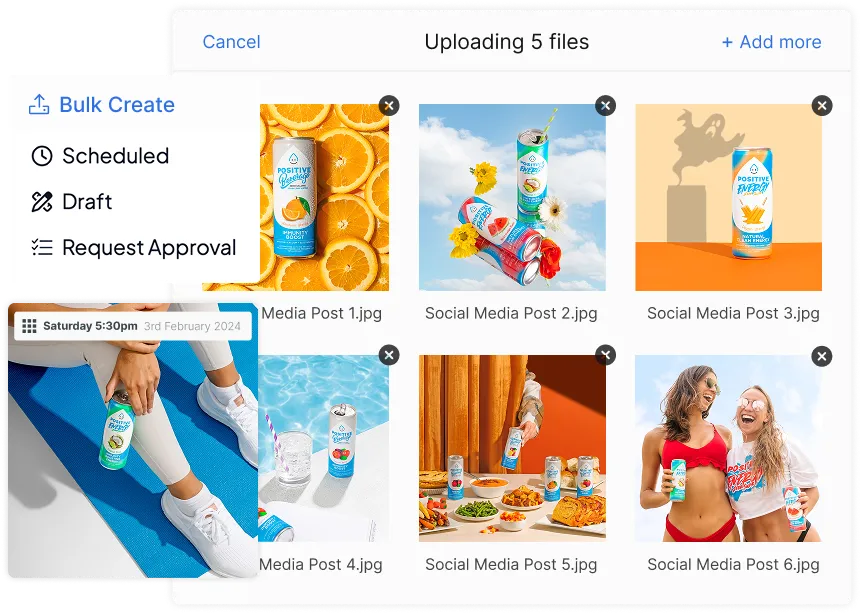
Download our CSV template. Each row is one post, so you add your caption, hashtags, and publish time as you go. Prefer to work visually? Drag and drop your files straight from your desktop instead.
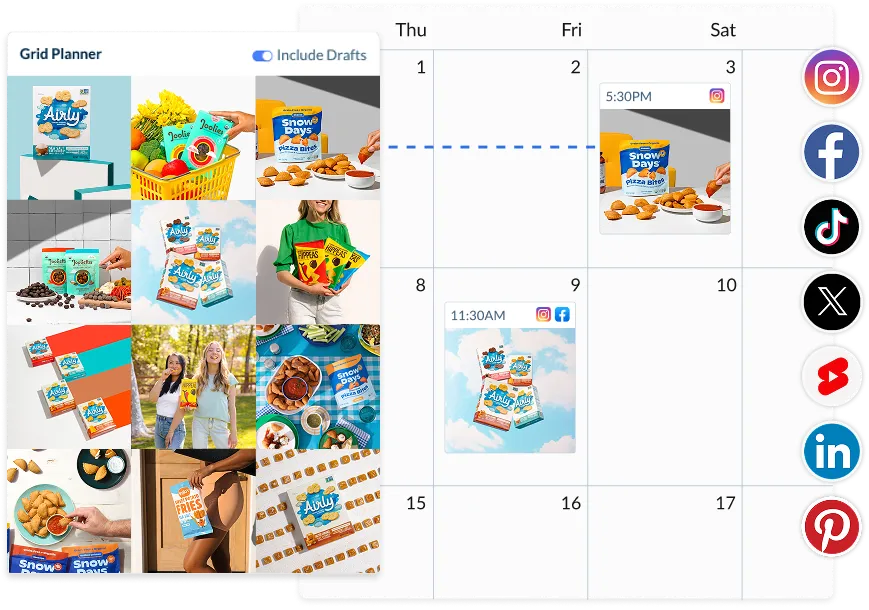
Upload your file and your posts appear on your visual calendar. Preview your grid, fix a caption, or move a post to a new day before anything goes live.
Your posts go live automatically at the times you picked. No reminders and no logging in to post by hand.
14-day free trial. Cancel anytime.
A better way to plan for people with better things to do. Bulk schedule Instagram posts from a single file and let your posting tool work harder for you.
Add a whole batch of posts in one CSV file with our Bulk Upload tool.
Download our CSV template, follow the columns, and upload.
Upload media-only, text-only, or caption-first content.
Schedule a whole month’s worth of posts over your lunch break. No more daily drop-ins or post-by-post chaos.
Built for calm, consistent planning. You bring the strategy, and we help you scale it.
Upload images, videos, carousels, and Reels with CSV files.
Check everything before anything goes live. One file, one flow, full visibility.
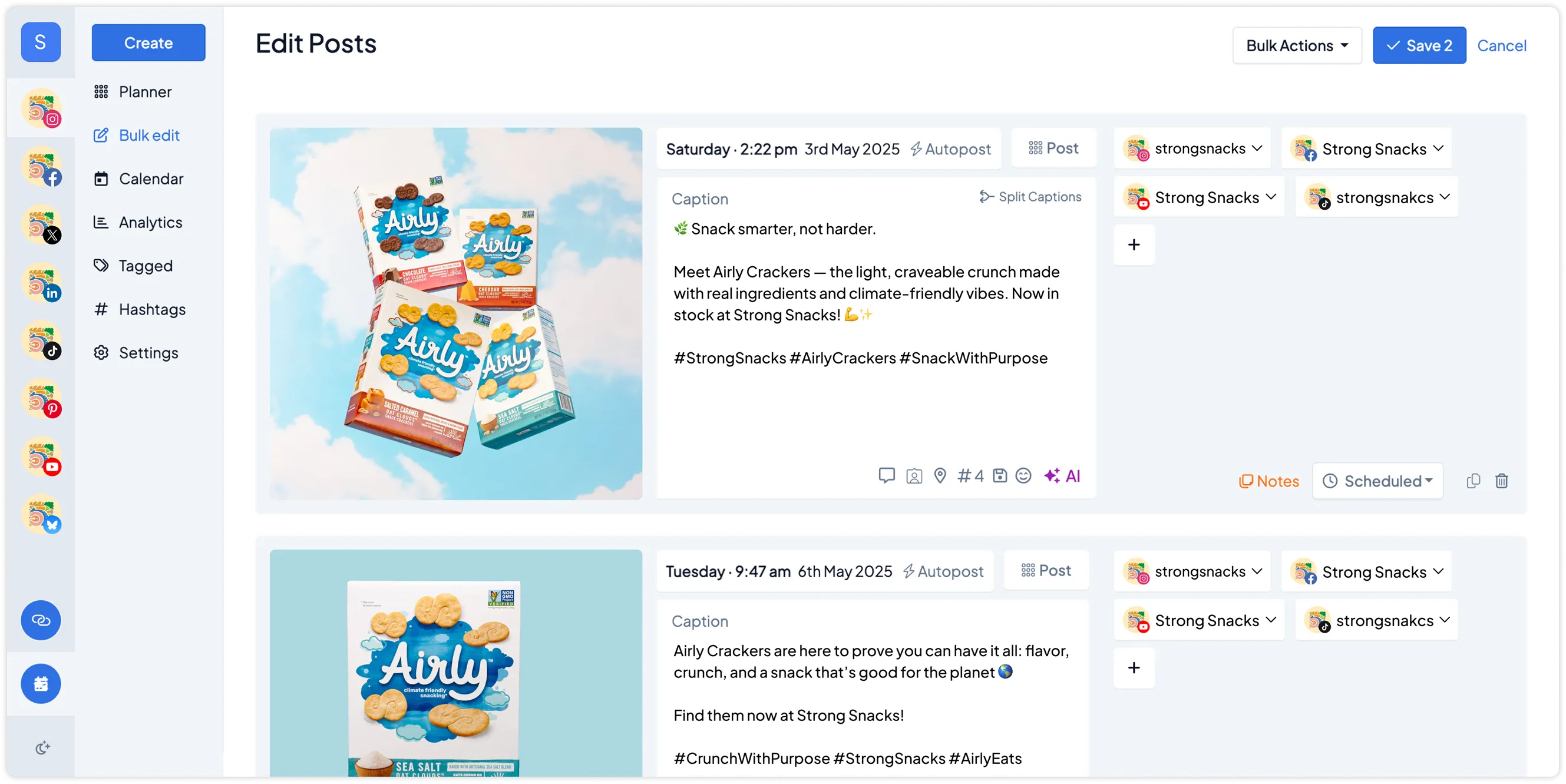
Quickly scan, review, and edit in bulk. All from a clean, visual dashboard.
Whether you post daily, weekly, or in batches, Hopper HQ adapts to how you work.
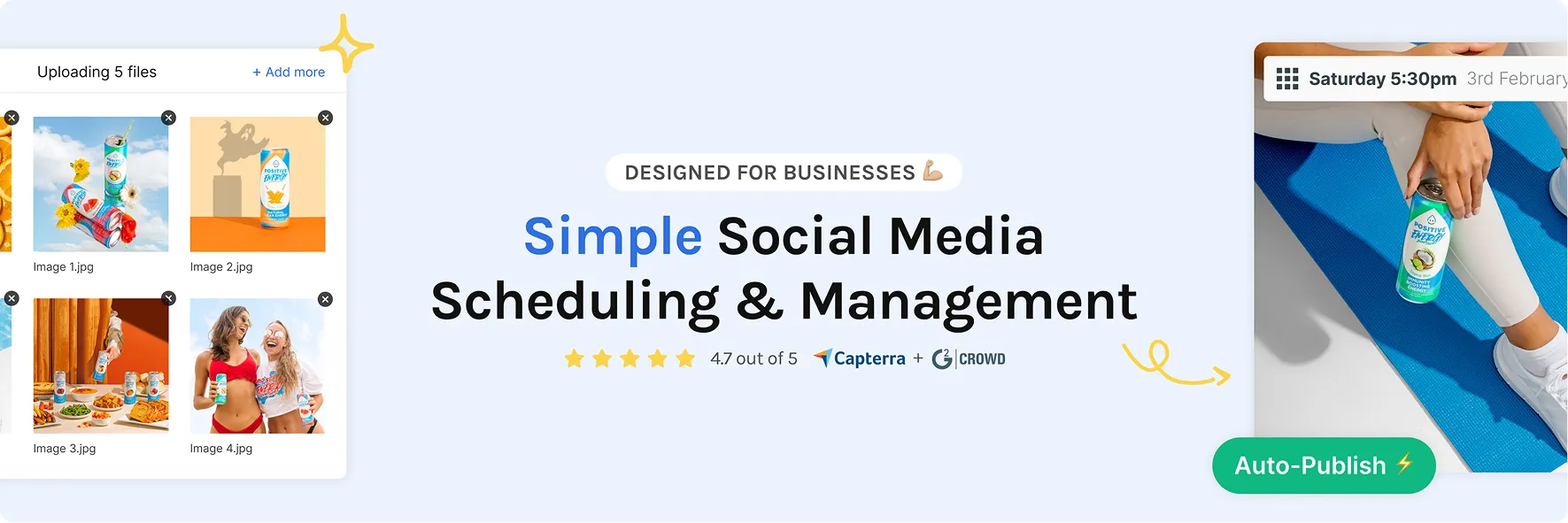
No more bouncing between apps and tabs. Hopper HQ is your calm content HQ.
Plan, upload, and schedule directly from your computer.
Use AI to generate captions and hashtags that feel on-brand, fast.
Use one tool to plan across all platforms.
We’re listening. Your feedback shapes what’s next.
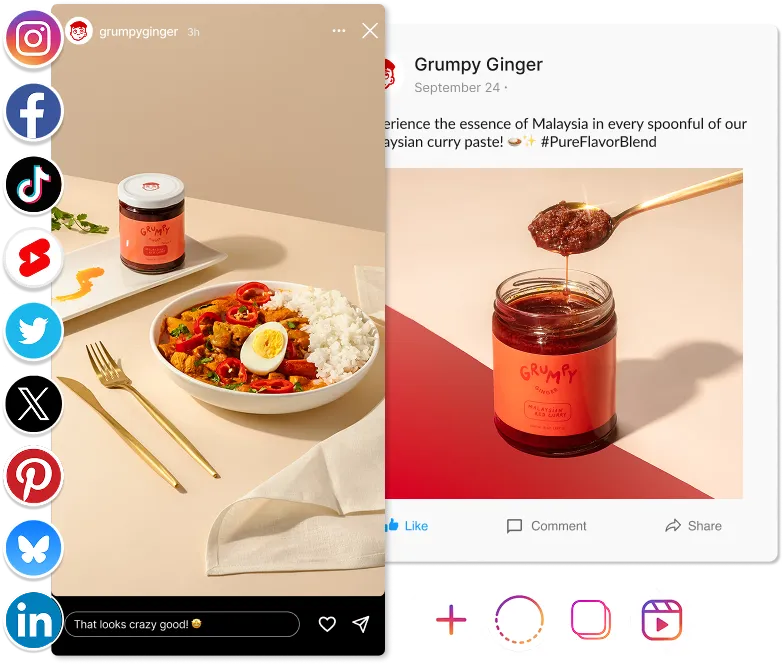
The same drag-and-drop bulk upload works everywhere you schedule with Hopper HQ. Upload once, then choose which networks each post goes to.
 InstagramFeed, Reels, Stories & Carousels
 TikTokVideos & carousels
 FacebookPosts to Pages
 LinkedInProfiles & company pages
 X (Twitter)Tweets & media
 PinterestPins to boards & profiles
 YouTube ShortsVertical video uploads
 ThreadsText posts & media
 BlueskyPosts & media
14-day free trial. Cancel anytime.

Not really. Instagram lets you schedule posts in the app, but you set up each one on its own. To upload a batch in one go, you need a tool like Hopper HQ.
Download the Hopper HQ CSV template and add one post per row, with its caption and publish time. Then upload the file. Your posts appear on your content calendar, where you can review them before they go live.
Hundreds at a time. Upload a whole month of content in one CSV file, or batch weeks of posts in a single session.
Yes. You can bulk upload Reels, carousels, and regular feed posts together, then schedule them across days or weeks with our social media scheduler. You can also cross-post each Reel to TikTok and YouTube Shorts.
Yes. If you manage more than one Instagram account, you can assign each post to the right account in the same upload. It's a big time saver for agencies and anyone running several brand profiles.
Yes. Every post you upload can be edited on your calendar before it publishes. Change the caption, swap the media, or move it to a different time.
Hopper HQ's 14-day free trial includes full access to bulk upload. You can upload and schedule as many posts as you like while you try it.
One upload. Hundreds of posts. Every network. Hopper HQ handles the publishing while you get on with your week.
