Scheduling

Bulk Schedule Instagram Posts in Minutes

Upload hundreds of posts in one go. Save time, stay consistent, and keep your content flowing.

Thank you! Your submission has been received!
Oops! Something went wrong.
Stars from Capterra
Free-trial arrow
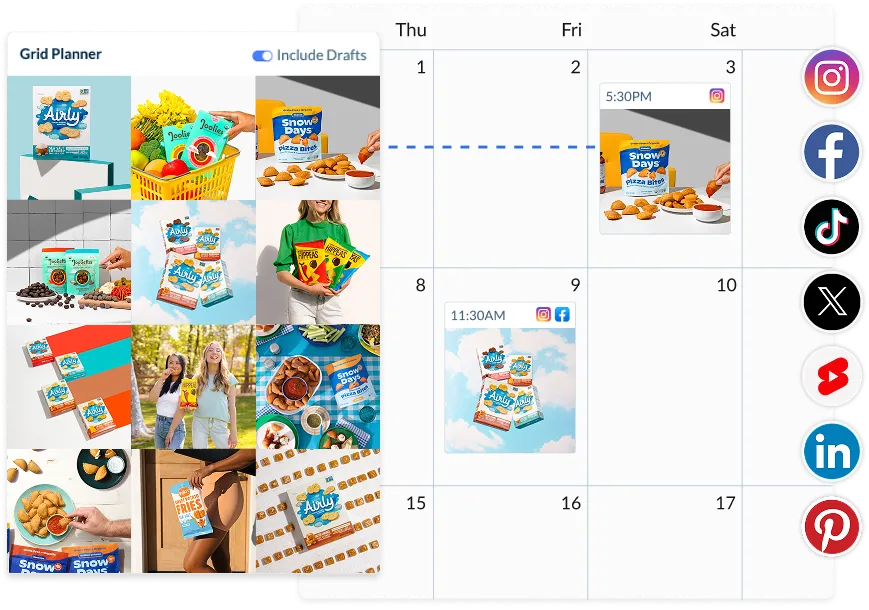
Hopper HQ calendar and grid planner

More content. Less clicking.

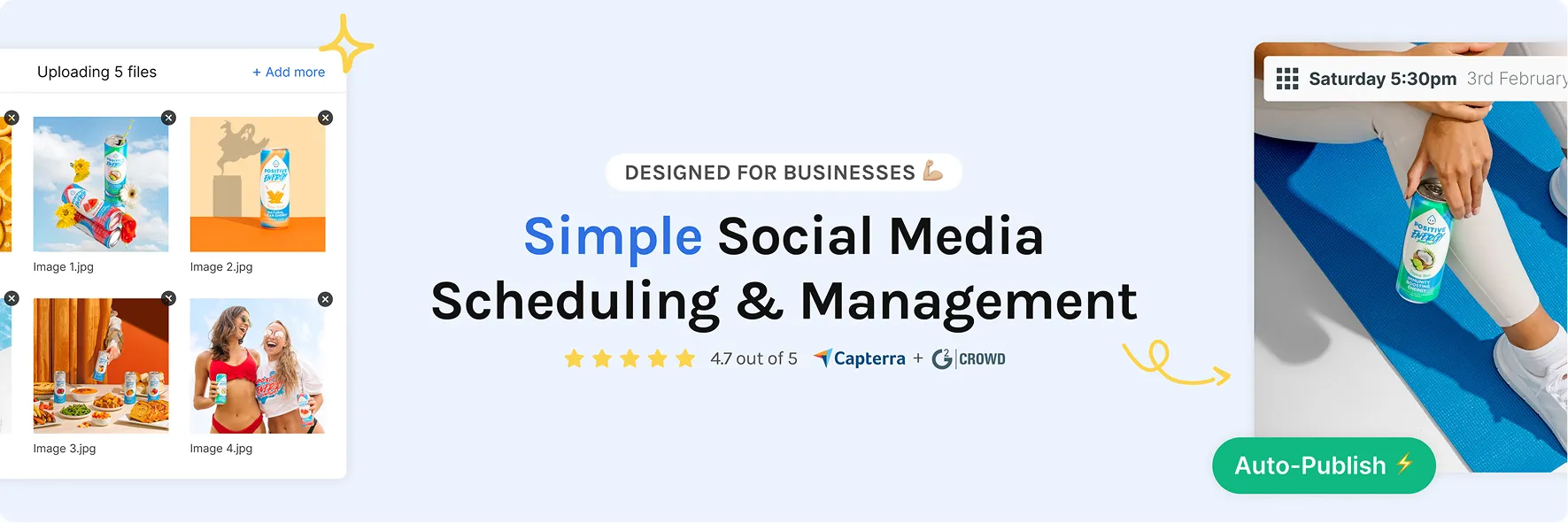
Bulk Upload

A better way to plan for people with better things to do

Your time is valuable. Let your Instagram posting tool work harder for you.

  • Upload hundreds of posts at once

    With our CSV Bulk Upload tool, you can add up to 350 posts in one file.

  • Plan content in one focused session

    Schedule a whole month’s worth of posts over your lunch break. No more daily drop-ins or post-by-post chaos.

  • Stay in control, even at scale

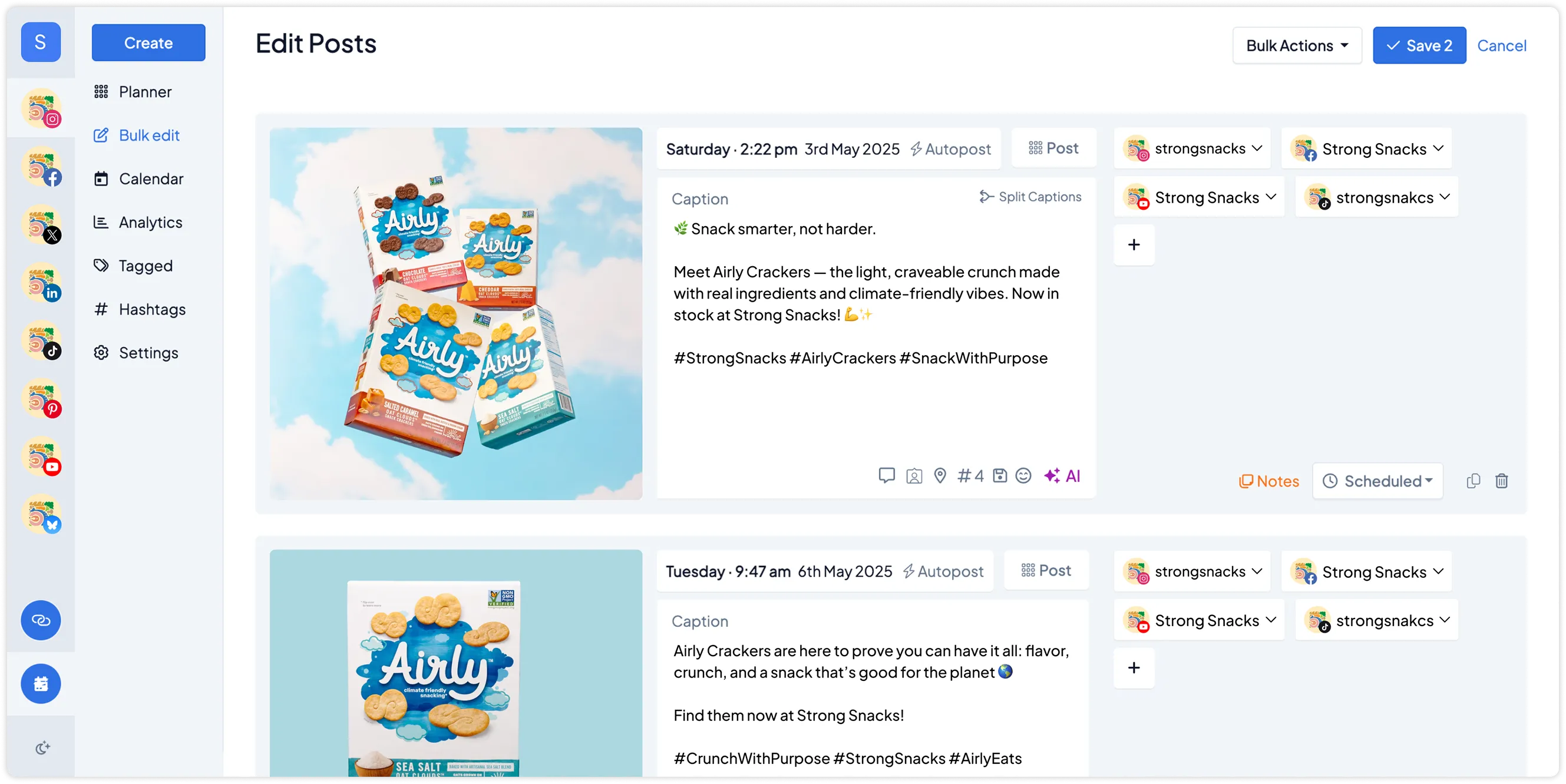
    Quickly scan, review, and edit in bulk. All from a clean, visual dashboard.

  • GET STARTED NOW
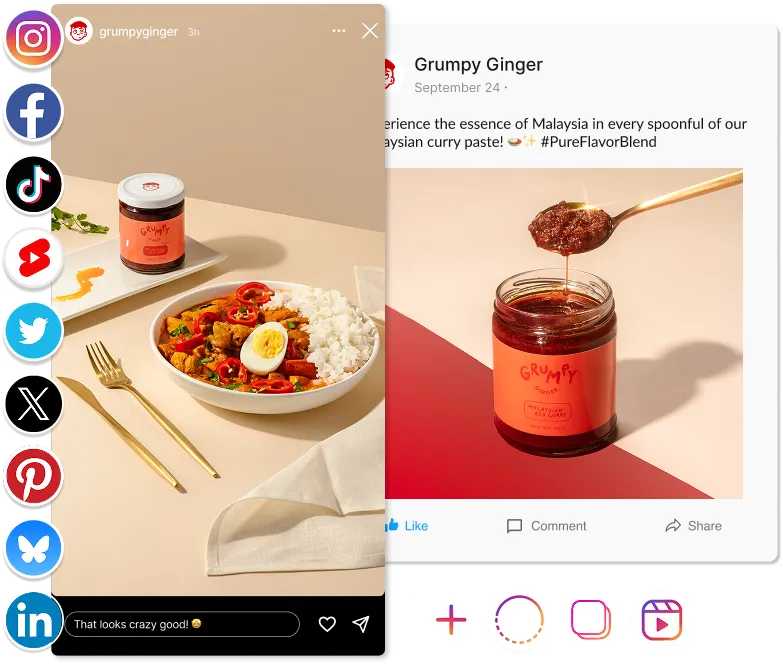
Multi-platform scheduling with calendar and grid planner
Bulk Upload

Built for calm, consistent planning

You bring the strategy. We help you scale it.

  • Plan Instagram posts, Reels, and Stories

    Upload images, videos, carousels, and Shorts with CSV files.

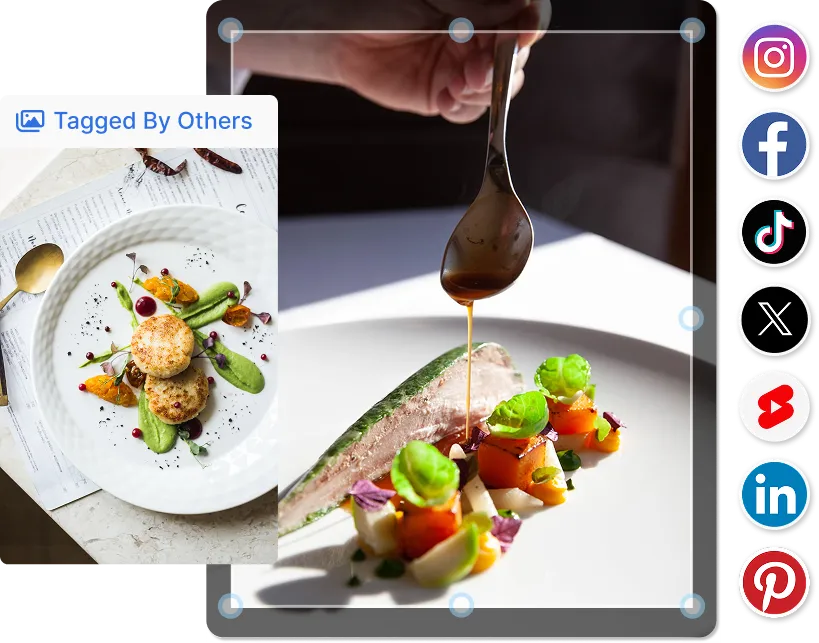
  • Preview and polish before you publish

    Check everything before anything goes live. One file, one flow, full visibility.

  • Customise to your workflow

    Whether you post daily, weekly, or in batches, Hopper HQ adapts to how you work.

  • GET STARTED NOW
Hopper HQ Social Media Scheduling Banner
The Instagram Bulk Scheduler that actually saves time

Everything in one place, finally

No more bouncing between apps and tabs

  • Hopper HQ is your calm content HQ.

    Post from your desktop

  • Plan, upload, and schedule directly from your computer.

    Writer’s block?

  • Use AI to generate captions and hashtags that feel on-brand, fast.

    Cross-platform friendly

  • GET STARTED NOW
Multi-platform scheduling with calendar and grid planner
Use one tool to plan across all platforms.

We’ve made bulk uploading as simple as it should be

No complex software. No code. Just clarity.

  • Step-by-step guidance

    Download our CSV template, follow the columns, and upload.

  • Flexible formats, zero fuss

    Upload media-only, text-only, or caption-first content.

  • Ongoing improvements

    We’re listening. Your feedback shapes what’s next.

  • GET STARTED NOW

Frequently Asked Questions

Can I bulk upload Instagram Reels with Hopper HQ?

FAQ plus icon

Yes. Hopper HQ supports bulk uploading Reels alongside regular feed posts and carousels. You can upload multiple Reels at once, add captions, set publish times, and schedule them across days or weeks in one go. No need to upload them one by one.

How do I bulk upload posts to Instagram?

FAQ plus icon

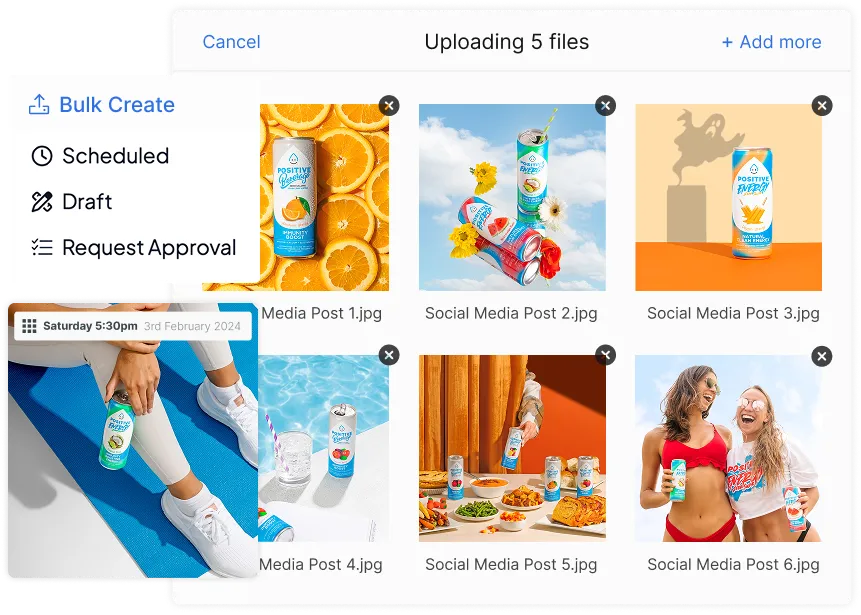
Upload your content files directly into Hopper HQ, add your captions and hashtags, then assign a publish time to each post. You can drag and drop multiple files at once and arrange them on your visual content calendar before anything goes live.

Is there a free bulk upload tool for Instagram?

FAQ plus icon

Hopper HQ offers a free 14-day trial that includes full access to bulk upload. You can upload and schedule as many posts as you like during the trial to see how it fits your workflow before committing.

Is there a free bulk upload tool for Instagram?

FAQ plus icon

There's no set cap on how many posts you can upload in a single session. Whether you're batching a week's content or planning out an entire month, you can upload and schedule everything at once

Can I bulk upload to multiple Instagram accounts?

FAQ plus icon

Yes. If you manage more than one Instagram account, you can bulk upload content and assign posts to specific accounts within the same session. Useful for agencies and anyone running multiple brand profiles.

Can I edit posts after bulk uploading?

FAQ plus icon

Hopper HQ supports scheduling for feed posts, Reels, and carousels. You can upload the individual images or videos that make up a carousel and arrange them before scheduling. Stories scheduling is also available depending on your plan.