Best Instagram Schedulers in 2026 (Compared)
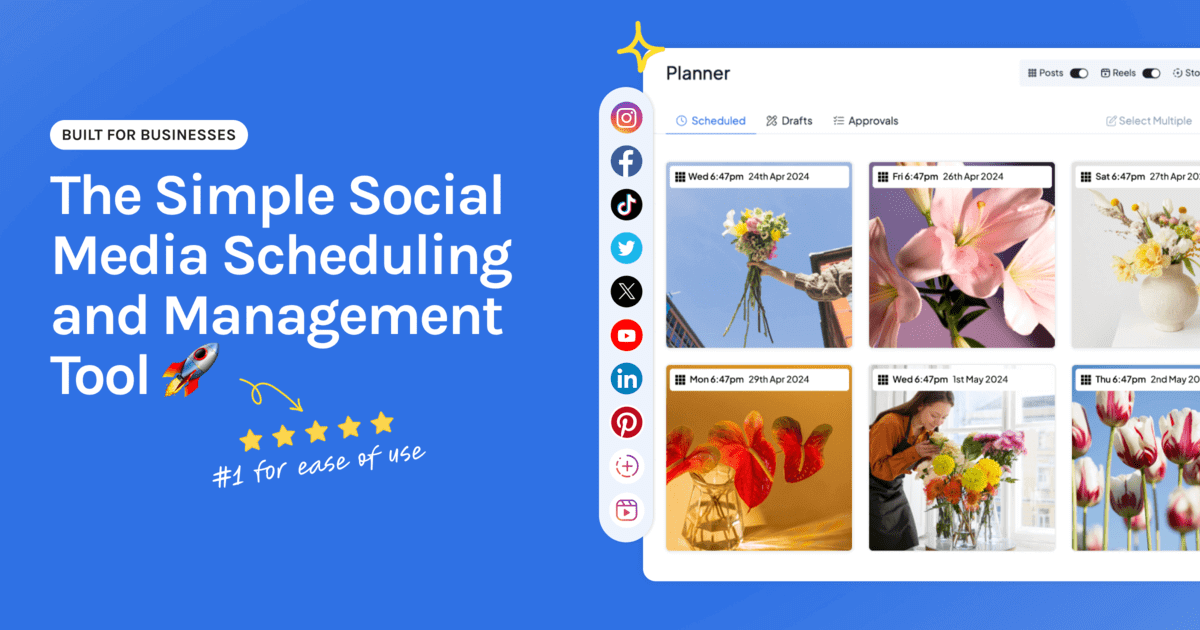
There are a lot of Instagram schedulers, and most “best of” lists read like they were written by the tools themselves. This one is built around what actually matters when you’re short on time: can you plan visually, will it auto-publish posts, Reels and Stories, and is it simple enough that you’ll actually use it?
Start your free 14-day trial →
What makes a good Instagram scheduler
- A visual calendar and grid preview. You plan a feed, not a to-do list.
- True auto-publishing for posts, Reels and Stories, with no phone reminders.
- Bulk uploading so you can batch a whole month at once.
- Simplicity. It should save time, not become another job.
The best Instagram schedulers, compared
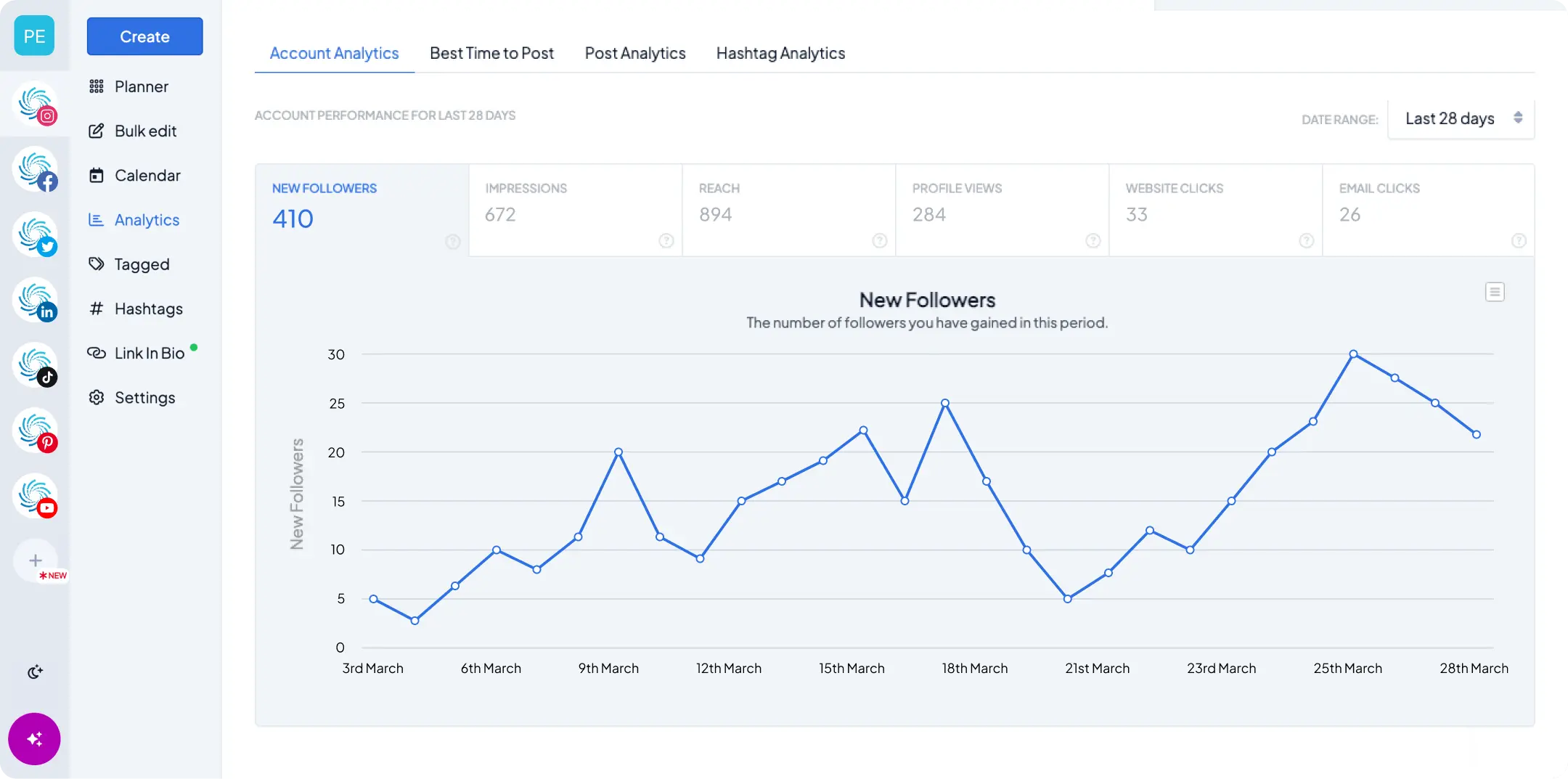
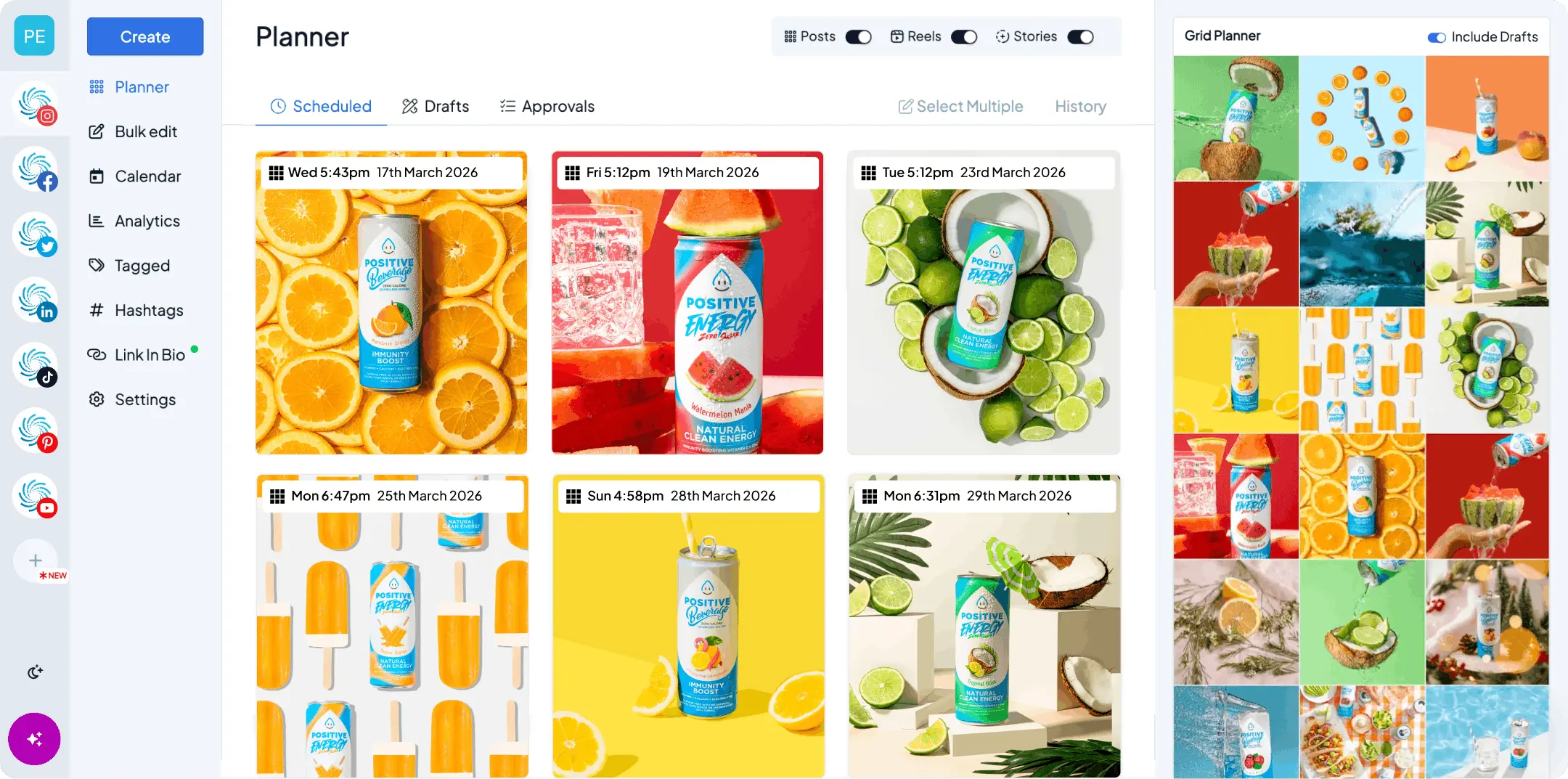
Hopper HQ, best for visual planning and simplicity
A drag-and-drop calendar, a grid preview you can trust, bulk upload, and auto-publishing for posts, Reels and Stories. Built for creators, small businesses and lean agencies who want to plan a beautiful feed and move on. Our Instagram scheduler handles posts, Reels and Stories in one place, and free extras like our Instagram photo splitter cover puzzle grids and seamless carousels.
Later, best for link-in-bio
Strong on Instagram, with a well-known link-in-bio tool. Worth a look if link-in-bio is central to how you sell.
Buffer, best for simple text scheduling
Clean and easy to use, but less visual-first, and better suited to text-led, multi-network posting than to planning a considered Instagram grid.
Hootsuite, best for large teams
Powerful and enterprise-priced, with deep approval workflows and reporting. Often more than a solo creator or small business needs.
Meta Business Suite, the best free option
Free and native to Facebook and Instagram, but limited and clunky for Instagram-first planning, with no true visual calendar or grid preview.
How to choose
- Solo creator or small business: Hopper HQ, for visual planning and auto-publishing.
- Link-in-bio is your priority: Later.
- Big team, big budget: Hootsuite.
- Just need free and basic: Meta Business Suite.
Still deciding between tools? Our Hopper HQ alternatives comparison lays out the trade-offs honestly.
Frequently asked questions
Can you schedule Instagram Reels and Stories, not just posts? Yes. With Hopper HQ you can schedule and auto-publish posts, Reels and Stories from your desktop, so your whole presence stays consistent.
Is there a free Instagram scheduler? Meta Business Suite is free but limited. Most dedicated schedulers, Hopper HQ included, offer a free trial so you can test the full workflow before you commit. Try Hopper HQ free for 14 days.
What’s the easiest Instagram scheduler for beginners? If you want visual, drag-and-drop planning without a learning curve, Hopper HQ is built for exactly that.
Take your social game further with Hopper HQ.
Plan, schedule and auto-post to every channel in one place. Free for 14 days · Cancel anytime.