Instagram Metrics to Track in 2026 (+ Free Report Template)
Here’s the scenario. You sit down to plan next month’s Instagram content and open your analytics. Reach is up, engagement is down, and your most-viewed Reel has nothing to do with the product you sell.
Now what?
This is where social media analytics often falls short. You can see what happened, but deciding what to do about it takes more thought.
A useful report should help you choose your next topic, spot a series worth continuing, or understand why people tap through without buying. You don’t need to track every Instagram metric available. You need enough information to make decisions with some confidence.
This guide covers which Instagram metrics to track, how they fit together, and how to turn your analytics report into next month’s content. There’s a free reporting template at the end.
Which Instagram metrics should you track?
For most small businesses and creators, eight Instagram metrics cover every goal worth measuring:
- Reach, including non-follower reach, to measure discovery
- Views (and impressions in older reports) to measure how often content is seen
- Engagement rate to compare posts fairly
- Saves to find your most useful content
- Shares to find content people want others to see
- Follower growth to measure whether people stick around
- Link taps and click-through rate to measure action
- Post-level performance to understand why your totals changed
Which one leads depends on what the content is for. So before you open a dashboard, decide that first.
Start with the job your content needs to do
A business introducing itself to new customers needs a different measure of success from one promoting a workshop to existing followers.
| Goal | Metrics to prioritize | Question to ask |
|---|---|---|
| Reach new people | Reach, non-follower reach where available, views | Are we getting in front of potential customers? |
| Create useful content | Saves, shares, engagement rate | What do people want to keep or pass along? |
| Build an audience | Net follower growth, profile visits | Are people interested enough to stay? |
| Generate inquiries or sales | Link taps, click-through rate, website conversions | Are people taking the next step? |
Pick a primary goal for each campaign. Keep the other metrics for context, but don’t judge every post by every possible outcome. A tutorial earns its place by helping customers, even if it doesn’t produce an immediate sale.
If you want a broader view across platforms, our guide to social media KPIs covers the same thinking for Facebook, LinkedIn, TikTok, and more.
The eight Instagram metrics that matter (and what to do with each)
1. Reach
Reach counts the unique accounts that saw your content. If one person sees the same post several times, they count once.
Use it to assess how widely your content travels. Where available, check the split between followers and non-followers to see whether you’re reaching beyond your existing audience.
If a Reel reaches plenty of new people but generates little interest in your profile, look at the connection between its subject and your business. A broadly entertaining video can attract attention from people who will never need what you sell.
Try next: Make another Reel on a similar topic, with an opening that speaks more directly to your intended customer.
2. Impressions and views
Impressions traditionally count the number of times content was displayed, including repeat exposure. Views count how often content was played or displayed, according to Instagram’s definition.
Instagram reporting has shifted toward views, although you may still see impressions in older reports or scheduler documentation. Keep the original metric labels when comparing results. Don’t rename historical impressions as views and treat them as one continuous measure.
Neither metric tells you how many different people you reached. A post can have more views than reached accounts because people see it more than once. If the terminology in the app is confusing, our explainer on what Instagram Insights mean walks through each label.
Try next: If views rise while reach stays similar, investigate whether particular content is attracting repeat attention. For Reels, check watch time where available before deciding what to repeat.
3. Engagement rate
Engagement rate puts interactions in context. One hundred interactions mean something different on a post reaching 1,000 accounts than on one reaching 20,000.
Here’s how to calculate engagement rate on Instagram in a way that compares posts fairly:
Engagement rate by reach = (likes + comments + saves + shares) / reach x 100
For example, 120 interactions from 3,000 reached accounts gives a 4% engagement rate.
Tools may use followers, impressions, or views as the denominator, and may include different actions. Check the definition before comparing reports from different sources.
Try next: Review several posts with stronger engagement rates. Look for a shared topic, opening, format, or question that could explain the response.
4. Saves
Saves show that someone chose to keep your post for later. They help you identify useful reference content: a checklist, recipe, tutorial, or product guide.
Look at both the number of saves and the save rate:
Save rate = saves / reach x 100
A carousel with 30 saves from 1,000 reached accounts has a 3% save rate. Another with 50 saves from 5,000 reached accounts has a 1% save rate. The second collected more saves overall. The first prompted a larger share of its audience to save.
Carousels tend to earn saves because they hold more information per post. If that’s where your saves cluster, our guide to Instagram carousel posts has formats worth testing.
Try next: Develop a follow-up that answers the next practical question. If a packing checklist gets saved, a guide to choosing the right bag could be worth testing.
5. Shares
Shares help you spot content people want others to see. That might be useful advice, a relatable observation, or an announcement relevant to a particular community.
Share rate = shares / reach x 100
Read the post alongside the number. A funny industry observation and a detailed buying guide can both earn shares, for different reasons.
Try next: Test another post built around the same audience need. Check whether the response repeats across several examples before turning it into a regular series.
6. Follower growth
Track net follower growth over the reporting period:
Net follower growth = followers at the end - followers at the start
For a percentage:
Follower growth rate = net follower growth / starting followers x 100
Gaining 100 followers from a starting audience of 2,000 is 5% growth.
Consider what else happened during that period. A collaboration, giveaway, or paid campaign may explain a spike. Growth alone doesn’t prove that your regular content caused it.
Try next: Compare growth with profile visits and the content published around the increase. Look for topics that give relevant visitors a clear reason to follow.
7. Click-through rate and website actions
If you want people to leave Instagram and visit your website, track link taps alongside the performance of the destination page.
Define your click-through rate around the actual placement. For a Story with a link sticker, one useful calculation is:
Story link tap rate = link taps / reach of the same Story x 100
Don’t divide profile link taps by the reach of an unrelated feed post. That mixes two different stages of the journey.
Use campaign-tagged URLs, such as UTM links, to separate Instagram campaigns in your website analytics. Then review the actions that matter to your business: inquiries, registrations, or purchases. Link taps and recorded website sessions won’t always match.
Try next: If taps are healthy but conversions are weak, check whether the landing page delivers the offer promised in the content.
8. Post-level performance
Account totals tell you whether results changed. Individual posts help you work out why.
Record each post’s format, topic, goal, opening, and call to action alongside its results. Separate organic posts from paid or boosted content.
Compare posts at a similar age, too. A month-old carousel has had more time to collect saves than one published yesterday. A seven-day review window gives you a consistent starting point.
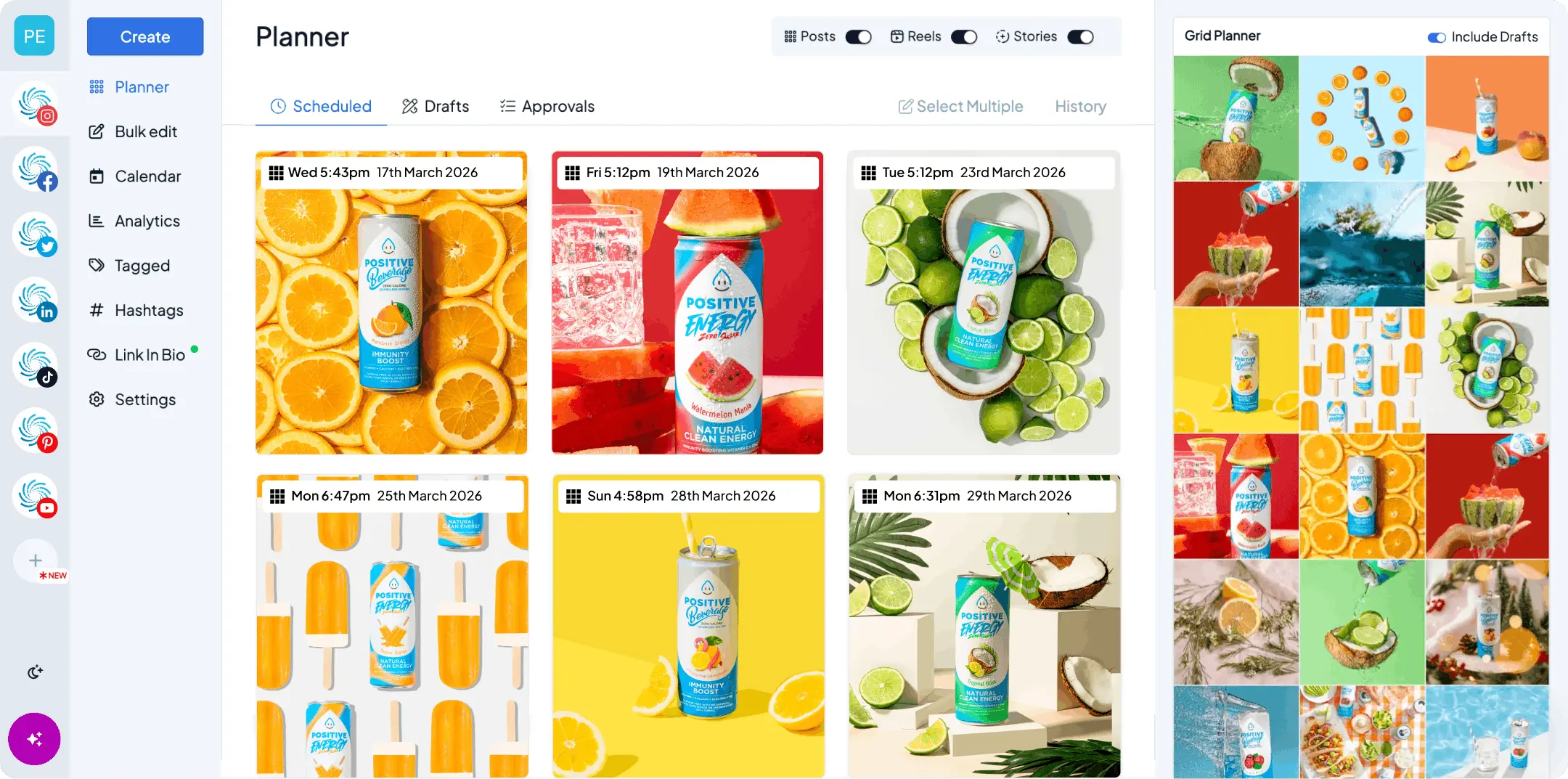
Hopper HQ’s Instagram analytics include post performance with sorting by measures such as engagement, likes, comments, and saves, including posts published outside Hopper HQ.
Native Instagram Insights vs scheduler reporting: which should you use?
Both. Instagram Insights and scheduler reports serve different parts of the same workflow.
| Reporting need | Native Instagram Insights | Scheduler reporting |
|---|---|---|
| Check a particular post | Useful for examining results inside Instagram | Useful for reviewing posts together |
| Explore format-specific detail | Check available Reel and Story insights | Available detail depends on the integration |
| Review several accounts | Requires moving between account views | Can centralize supported accounts |
| Prepare recurring reports | Available through Meta’s reporting tools, depending on the view | Export options vary by scheduler and plan |
| Plan follow-up content | Move findings into your planning process | Puts reporting closer to scheduling |
Use native Insights when you need detail your scheduler doesn’t show. Use scheduler reporting to make regular review straightforward to maintain.
If the numbers differ, check the date range, time zone, refresh time, and metric definition. Also confirm whether both views include paid activity. A scheduler can only report the data available through its platform connection.
Which scheduler has the best analytics and reporting?
The best fit depends on what you need to report and who needs to read it.
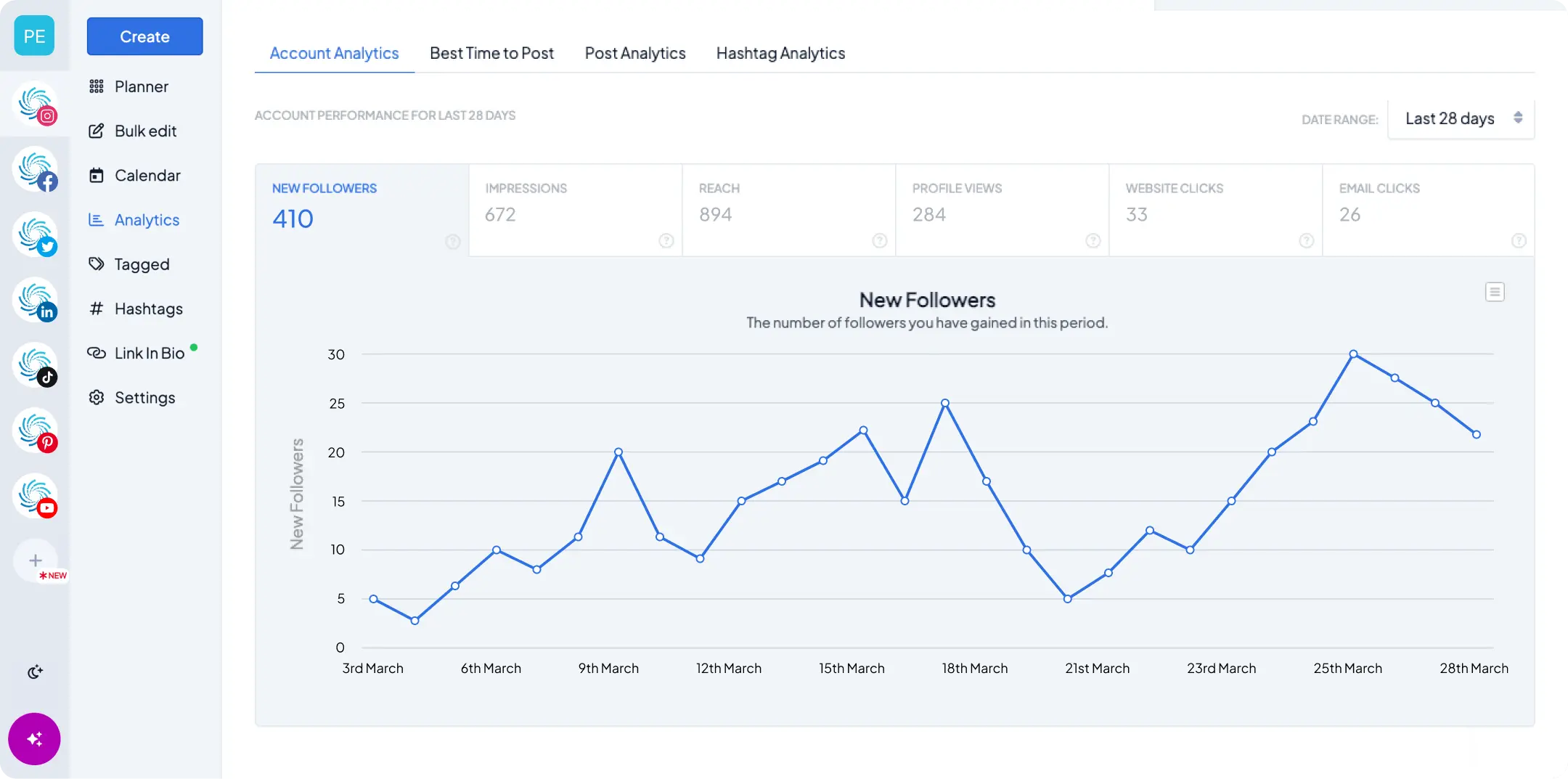
For an Instagram-focused small business, Hopper HQ’s analytics are worth considering if you want account trends, post performance, and audience activity alongside your content planning. Its documented exports include CSV, PNG, and SVG.
Before choosing a scheduler, test it with a real reporting task. Can you find your strongest posts, compare the periods you need, and export something your team can use?
Check historical data access, supported formats, and whether the reporting features you need are included in your plan. If you need competitor benchmarking, social listening, or bespoke client reports, assess those requirements separately. Our roundup of social media reporting tools compares the main options.
How to export an Instagram analytics report from a scheduler
Start by selecting the right account and reporting period, then open the relevant analytics view. Use its export or download control and choose a format suited to the next task.
For Hopper HQ, the analytics help guide documents CSV, PNG, and SVG exports. Use CSV when you want to work with the data in a spreadsheet, or an image format when you need a visual for a presentation.
After downloading:
- Confirm the account, dates, and metric labels
- Keep an untouched copy of the export
- Transfer the relevant figures into your reporting template
- Add campaign context and the content decisions you’ll make
Export regularly so you keep your own reporting history. Check how much past data your connected account makes available before promising a retrospective report.
How to turn your report into next month’s content
Imagine a bakery reviewing four weeks of Instagram posts. Its Reels attracted the most reach, while its baking-tip carousels earned the strongest save rates. Stories promoting a weekend class generated link taps but few bookings.
Those results suggest three useful tests: make more Reels answering common baking questions, develop another practical carousel, and check the class booking page on mobile.
Keep each test specific. If you change the topic, format, posting time, and offer all at once, it becomes difficult to understand what helped. Posting time in particular is worth isolating. Our data-backed guide to the best times to post on Instagram is a sensible starting point, but your own analytics should have the final say.
Review results briefly each week, then use a monthly review to look for repeated patterns. Compare similar posts, note seasonal or campaign effects, and avoid rebuilding your strategy around one unusually successful post.
Finish the report with a decision someone can act on: “Publish two beginner technique carousels next month and compare their seven-day save rates with our recent tutorials.” Then put those posts straight into your content plan so the decision doesn’t get lost.
Download the free Instagram reporting template
Use our Instagram analytics report template to record monthly performance, compare individual posts, and plan your next tests.
Unavailable figures stay blank rather than appearing as zero, so a missing number never looks like a bad result. Pale blue cells are yours to fill in. Lavender cells do the math.
Bring your findings into your next planning session. With Hopper HQ’s social media analytics, you can review performance right next to the work of planning and scheduling your next posts. Try Hopper HQ free for 14 days and see what your numbers have been trying to tell you.
Frequently asked questions
Which Instagram metrics are most important to track?
Reach, views, engagement rate, saves, shares, follower growth, link taps, and post-level performance cover most business goals. Pick one primary metric for each campaign. Use reach and non-follower reach to measure discovery, saves and shares to measure usefulness, follower growth to measure audience building, and link taps plus website conversions to measure sales or inquiries.
How do I calculate engagement rate on Instagram?
Add up likes, comments, saves, and shares for a post, divide by the post's reach, then multiply by 100. For example, 120 interactions from 3,000 reached accounts is a 4% engagement rate by reach. Some tools divide by followers, impressions, or views instead, so check the definition before comparing reports.
What is a good engagement rate on Instagram?
There's no single benchmark. Engagement rate varies with account size, industry, format, and the denominator a tool uses, so a published average often won't match your account. The most useful comparison is against your own recent posts. Rank them by engagement rate, study the top few, and look for a shared topic, opening, or format you can repeat.
What's the difference between reach, impressions, and views on Instagram?
Reach counts unique accounts that saw your content. Impressions count every time it was displayed, including repeat views by the same person. Views are Instagram's newer primary metric and count how often content was played or displayed, as the platform defines it. Reach tells you how many people you got in front of. Views and impressions tell you how often.
How do I get an Instagram analytics report?
In the Instagram app, professional accounts can open Insights from the profile menu to see account and post data. For a report you can keep and share, use a scheduler with analytics, such as Hopper HQ, to review posts together and export the data as a CSV or image file. Then paste the figures into a reporting template and add the content decisions you'll make.
How often should I review Instagram analytics?
Check in briefly each week to catch anything unusual, then do a proper review once a month. The monthly review is where you compare similar posts, note seasonal or campaign effects, and decide what to test next. Avoid rebuilding your strategy around one unusually successful post.
Take your social game further with Hopper HQ.
Plan, schedule and auto-post to every channel in one place. Free for 14 days · Cancel anytime.