


Abstract composition of small yellow and blue squares scattered and arranged in rows around a large white square on a black background.Abstract pattern of small colored squares and circles arranged in a grid with varying colors including blue, green, yellow, white, and pink on a black background.

Schedule Facebook Posts in Advance

Plan your Facebook content once, set it live when it matters, and let Hopper HQ handle the publishing automatically. No manual posting. No missed days.

Thank you! Your submission has been received!
Oops! Something went wrong.

4.7 out of 5
+
G2 Crowd logo
Free-trial arrow
Facebook logo circle

How to schedule Facebook posts with Hopper HQ

Set up takes under five minutes. After that, your posts publish automatically every time.

1

Connect your Facebook Page

Link your Facebook Business Page to Hopper HQ in under two minutes. Works with Pages, and multiple accounts from a single dashboard.

2

Upload your content

Add images, videos, or text posts from your computer, Dropbox, Google Drive, or 20+ cloud integrations. Upload up to 50 files at once to batch your scheduling.

3

Pick your dates and times

Drag posts onto Hopper HQ's visual calendar to schedule them exactly when you want. Or use the Best Time to Post feature to let the data decide for you.

4

Hopper HQ publishes automatically

At the scheduled time, your posts go live on Facebook with no action needed. No app to open. No notifications to act on. Just consistent publishing, on time, every time.

Start your free 14-day trial Want to know the best time to post on Facebook? Read our timing guide →

Everything you need to stay consistent on Facebook

Hopper HQ gives you the tools to plan ahead, publish without effort, and keep your Facebook Page active without it taking over your day.

🚀

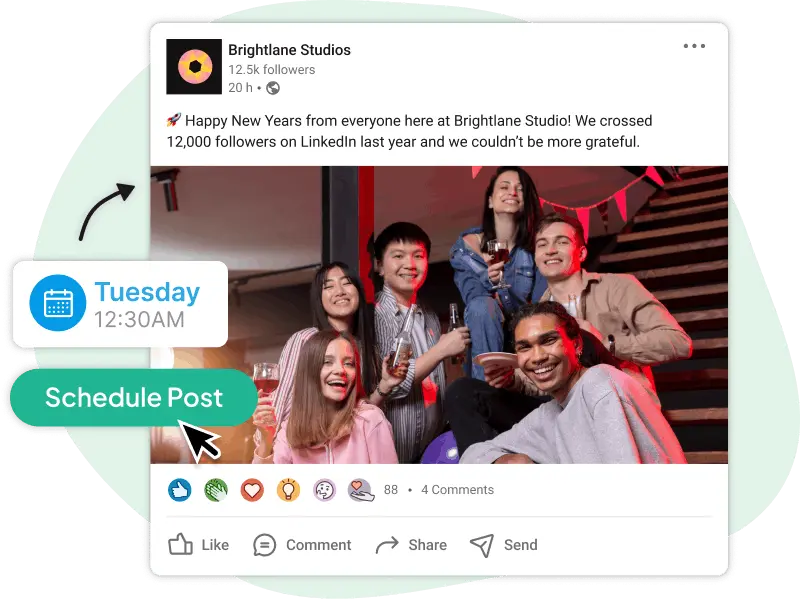
Posts go live without you lifting a finger

Schedule once and Hopper HQ handles the rest. No notifications to act on, no app to open at the right moment. Your posts publish on time, every time.

📅

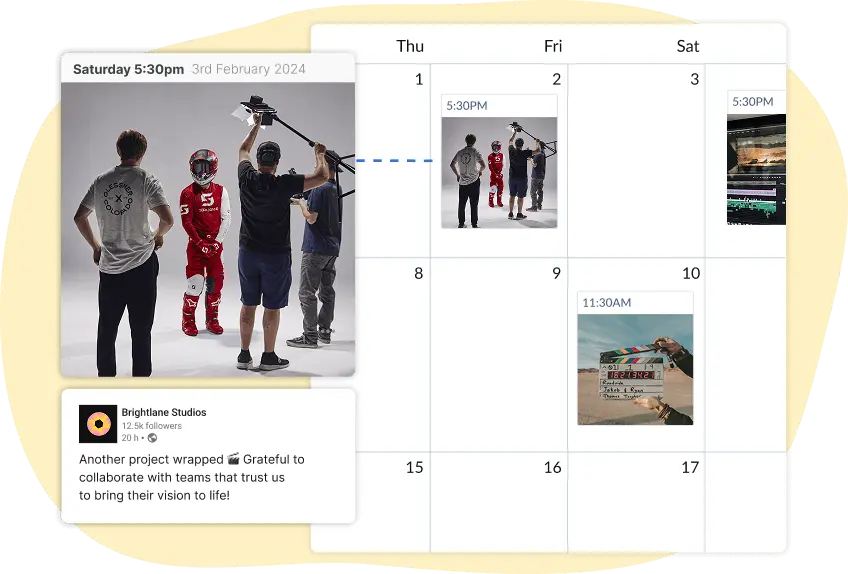
See your whole month at a glance

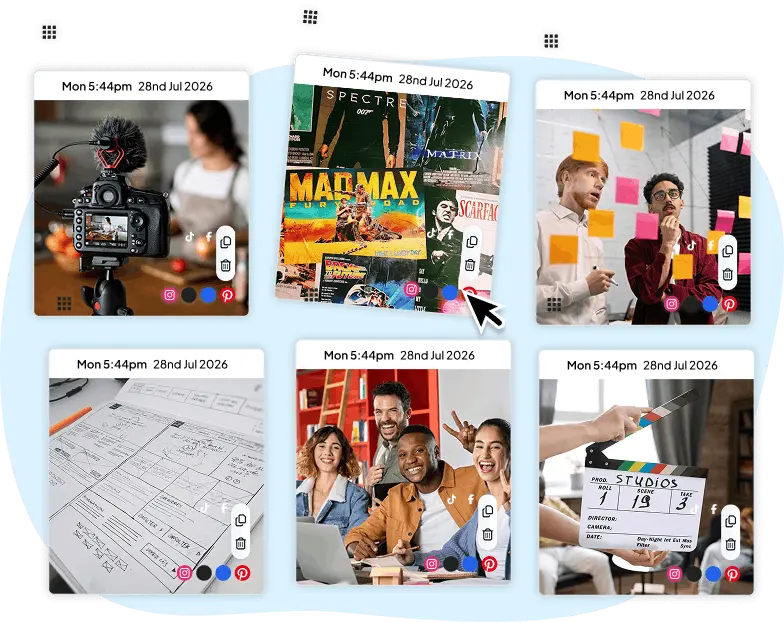
Drag posts onto a visual calendar to see exactly how your content is spread out. Spot the gaps, move things around, and get a schedule that actually looks right before anything goes live.

📦

Batch a week's content in one sitting

Upload up to 50 images and videos at once from your computer, Dropbox, or Google Drive. Do all your scheduling in a single session instead of coming back to it every day.
🌐

One post, every platform

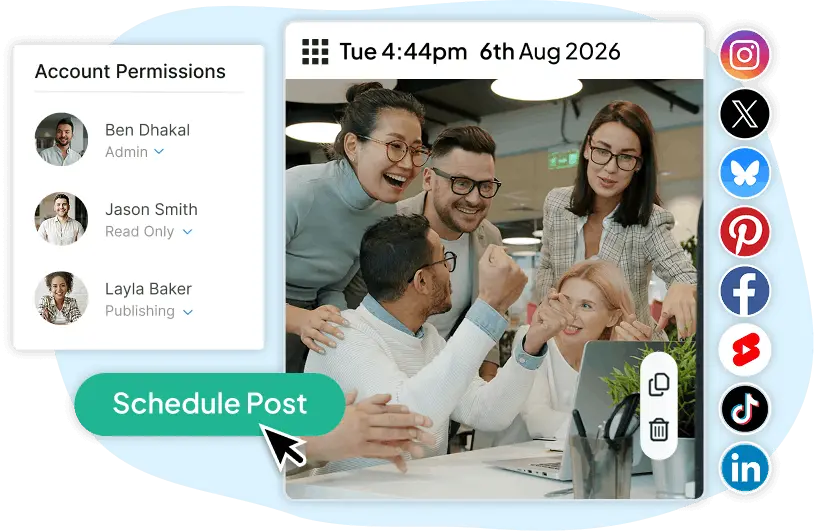
Create once and publish to Facebook, Instagram, LinkedIn, TikTok, and more at the same time. No copying and pasting between tools.

📷

Edit visuals without leaving Hopper HQ

Crop, resize, and adjust your images before they go out. Everything you need to get your visuals right is already here — no switching to a separate editing tool.
📈

Find out what's actually working

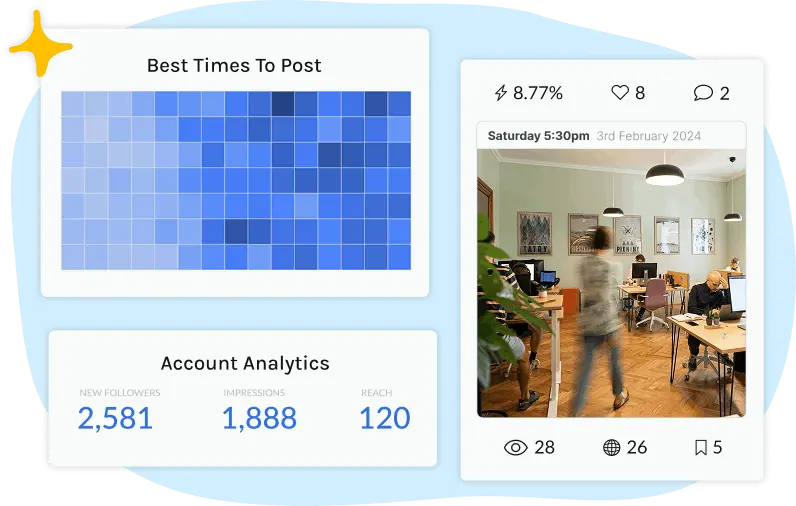
Built-in Facebook analytics show you reach, engagement, and the times your audience is most active. Use the data to schedule smarter, not just more often.

Make your Facebook posts stand out

Use the free Hopper HQ Facebook font generator to add unique text styles to your content.

Try the font generator →

Why a dedicated Facebook scheduler beats Meta Business Suite

Meta Business Suite lets you schedule Facebook posts for free — but it stops there. If you manage more than one platform, work with a team, or want a proper view of your content calendar, you'll hit its limits quickly.

Feature Hopper HQ Meta Business Suite
Auto-publish Facebook posts
Visual content calendar
Schedule to Instagram, TikTok, LinkedIn and more ✗ (Meta platforms only)
Bulk upload (50+ files at once)
Team collaboration and approvals Limited
Multi-account management ✓ (unlimited accounts)
Built-in image editor

Hopper HQ is built for people who manage multiple accounts or platforms. If you've outgrown what Meta Business Suite can do, it's a natural next step.

Built for people who take Facebook seriously

Whether you're running a small business Page or managing multiple client accounts, Hopper HQ fits the way you work.

📸

Small business owners

You're wearing a lot of hats. Hopper HQ lets you batch your Facebook content for the week in one sitting, then get on with running your business. Your Page stays active even on the days you don't think about social media.

🎥

Content creators

You create in batches. Hopper HQ is built the same way. Upload everything at once, drag posts onto your calendar, and protect your weekends. Your audience sees consistent content regardless of how your week goes.

💼

Social media managers

Manage multiple Facebook Pages from one dashboard without switching between accounts. Collaboration tools, approval workflows, and analytics are all built in — less time on admin, more time on strategy.

TRUSTED BY 10,000+ BRANDS — IN MORE THAN 70 COUNTRIES

What Hopper HQ customers say

Trusted by thousands of businesses and creators to keep their Facebook Pages active.

★★★★★

"I am a social media manager and Hopper HQ is the least time consuming platform I have used to schedule Instagram posts!"

★★★★★

"The queue view planning feature in Hopper HQ is absolutely awesome. It helps me schedule out an aesthetic that my audience raves over every single new post!"

Frequently asked questions

Everything you need to know about scheduling Facebook posts with Hopper HQ.

Yes. With Hopper HQ, you can schedule Facebook posts days, weeks, or even months in advance. Once scheduled, posts publish automatically at the time you set — no action needed on your end.
Yes, Meta Business Suite includes a basic scheduler for Facebook Pages. However, it only works for Facebook and Instagram. If you manage multiple platforms or want a proper visual content calendar, a dedicated tool like Hopper HQ gives you more control and flexibility.
Yes. Hopper HQ publishes your Facebook posts automatically at the scheduled time. You don't need to open an app or respond to any notifications — posts go live without any manual step.
Yes. Hopper HQ lets you manage multiple Facebook Pages from one dashboard. You can schedule unique posts for each account or cross-post the same content to all of them at once.
You can schedule text posts, single images, multiple images, videos, and link previews to your Facebook Page. Hopper HQ supports all the standard post types available on Facebook.

Ready to schedule your Facebook posts?

Join thousands of businesses and creators who use Hopper HQ to stay consistent on Facebook without the daily grind.

Start your free 14-day trial