How to Plan and Repurpose Social Media Content Across Instagram, TikTok, and LinkedIn
Posting on three platforms sounds like three times the work. It doesn’t have to be.
The brands that show up everywhere aren’t making three separate piles of content. They’re taking one good idea and reshaping it for each platform. Same message, different packaging.
This guide shows you exactly how to do that across Instagram, TikTok, and LinkedIn, then how to plan and schedule the whole lot in one sitting.
Start your free 14-day trial →
What this guide covers
- Why repurposing beats copy-and-paste cross-posting
- A repurposing matrix: how one idea becomes a post on each platform
- A formatting checklist for Instagram, TikTok, and LinkedIn
- A six-step workflow from idea to scheduled posts
- A weekly calendar template you can copy
- How to schedule for multiple platforms and accounts at once
Repurposing vs. copy-and-paste: what’s the difference?
Copy-and-paste cross-posting means publishing the identical file and caption everywhere. It’s fast, and it’s better than posting nothing. But it usually underperforms, because each platform has its own culture.
- Instagram rewards polish and visual consistency. People browse your grid and save carousels to come back to.
- TikTok rewards speed and personality. The first two seconds decide everything, and “too produced” can feel like an ad.
- LinkedIn rewards a point of view. People want the lesson, the number, or the opinion, written in plain sentences.
Repurposing keeps the idea and changes the delivery. One customer question can become a Reel on Instagram, a quick talking-to-camera answer on TikTok, and a short “here’s what we learned” text post on LinkedIn. You did the thinking once. You just told the story three ways.
That’s the whole trick. The expensive part of content is the idea, not the format.
The repurposing matrix: one idea, three platforms
Use this as a cheat sheet. Pick the type of content you already have in the left column, then read across to see what it becomes on each platform.
| Starting content | TikTok | ||
|---|---|---|---|
| Short how-to video | Polished Reel with on-screen text and a strong cover | Rougher, faster cut that opens with the result | Two-line takeaway in text, with the video below it |
| List of tips | Carousel, one tip per slide, saveable final slide | Photo-mode carousel or a “3 things” video | Document (PDF) carousel or a numbered text post |
| Customer story or result | Before-and-after carousel or Reel | Customer or team member telling it to camera | Text post on the problem, the fix, and the outcome |
| Behind the scenes | Stories plus a Reel | Unpolished day-in-the-life clip | Photo of the team with a short reflection |
| Blog post or long guide | Carousel of the key points, link in bio | One surprising point as a 20 to 30 second video | Native text summary of the main argument |
| Announcement or offer | Feed post plus Stories with a link sticker | Short, direct video showing the thing in action | Plain text post on why it matters to customers |
Two rules make the matrix work:
- Keep one master asset. Shoot or design once, at the highest quality, then cut variations from it. A clean 9:16 vertical video export covers Reels and TikTok. Square or 4:5 slides cover Instagram carousels and LinkedIn documents.
- Change the first line every time. The hook is the part each audience judges you on. Rewrite it for every platform, even when the rest stays close.
If short-form video is your main format, our guide to repurposing Instagram Reels across platforms goes deeper on safe zones, watermarks, and covers.
Platform formatting checklist
Run through the checklist for each platform before you schedule. It takes a minute and catches most of the mistakes that make repurposed content look lazy.
- Reels exported at 1080x1920 (9:16), with no other platform’s watermark
- Carousels and feed images at 4:5 (1080x1350) so they fill more of the screen
- A cover image that looks good in a three-column grid, not just on its own
- Key text kept away from the bottom of the frame, where captions and buttons sit
- Caption that front-loads the point, since only the first line or two shows before “more”
- A small, relevant set of hashtags rather than a wall of them
- A clear reason to save or share, like a final carousel slide that sums it up
See our Instagram Reel size guide for the full set of dimensions.
TikTok
- Vertical 9:16 video, filmed or edited to feel native, not like an ad
- A hook in the first one or two seconds: the result, a question, or a bold claim
- On-screen text added in a style that suits TikTok, not copied from the Reel
- Short caption with searchable keywords, since people use TikTok like a search engine
- A few niche hashtags (our TikTok hashtag generator can help)
- Trending or original audio chosen in the app where it matters to the post
- A first line that earns the click on “see more”
- Short paragraphs with line breaks, one idea per paragraph
- The lesson or opinion in the text, not just a link out
- Tips turned into a document (PDF) carousel when the content is visual
- Video captioned, since many people scroll LinkedIn with the sound off
- Three to five relevant hashtags at most
- A question or prompt at the end that invites a thoughtful comment
Need a starting point for the LinkedIn version? Our free LinkedIn post generator turns a rough idea into a draft you can edit.
A six-step workflow for repurposing content
Here’s how to go from one idea to a full week across three platforms, without starting from scratch three times.
1. Pick one core idea for the week
Choose one thing worth saying. A question a customer asked, a mistake you see people make, a result you’re proud of. If you already have content pillars, rotate through them week by week.
One idea a week is enough. It gives you five or six posts across three platforms, which is more than most small teams manage now.
2. Create the master asset
Make the richest version first. Usually that’s a 30 to 60 second vertical video, or a set of five to eight tips designed as slides. Everything else gets cut from this.
Film in 9:16, with space at the top and bottom for platform buttons. Design slides at 4:5 so they work on both Instagram and LinkedIn.
3. Cut the variants
Now break the master into pieces using the matrix above. A typical set from one video:
- The full video as an Instagram Reel
- A faster, more casual cut for TikTok
- Three to five frames turned into a carousel
- One quote or stat pulled out as a LinkedIn text post
Do all the cutting in one session. Switching between editing and writing is what makes content slow.
4. Write a caption for each platform
Write all the captions together, side by side. You’ll see straight away when the TikTok caption is too long or the LinkedIn version reads like an Instagram post.
A simple pattern that works:
- Instagram: hook, short story or value, call to save or share, a few hashtags
- TikTok: one punchy line plus searchable keywords
- LinkedIn: strong first line, the lesson in three short paragraphs, a question to close
5. Upload once and schedule everything
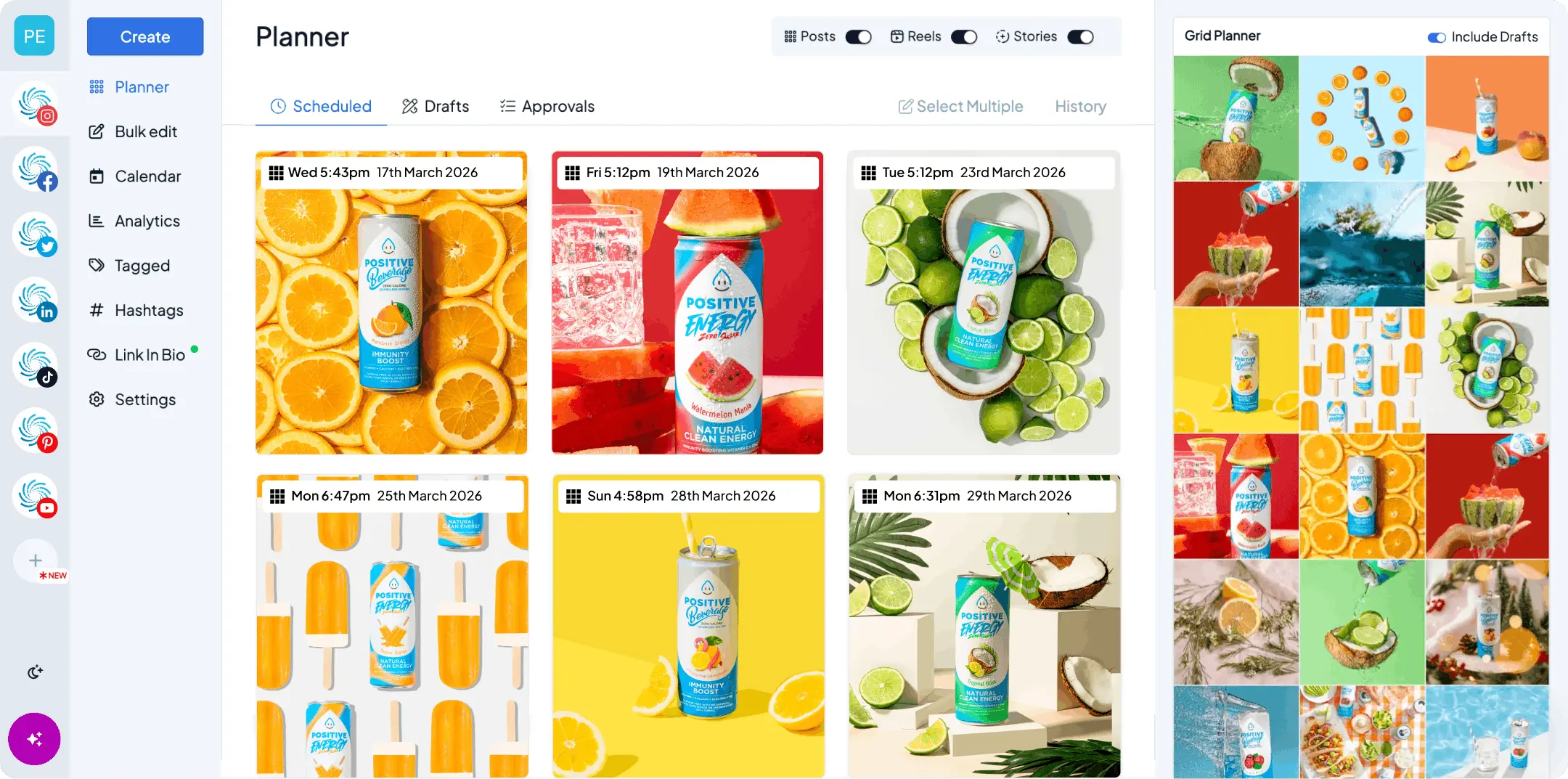
Upload the whole batch in one go, pick the networks for each post, and tweak each caption in the same composer. Then drag the posts onto your calendar. With Hopper HQ’s cross-posting, one upload goes to every network you tick, with a separate caption for each.
If you’re uploading a lot of assets at once, bulk uploading saves you the most tedious part. Set default posting slots and your calendar fills the week in for you.
6. Review what worked, then reuse it again
At the end of the week, check which version did best on each platform. You’ll often find the same idea wins on one network and flops on another, and that tells you more than any general advice.
Your best performers are your next batch. Recut them, give them a new hook, and schedule them again in a couple of months. Most of your audience didn’t see them the first time.
A weekly calendar template you can copy
Here’s what one idea looks like spread across a week. The example idea is “three mistakes people make when booking a [your service].” Swap in your own.
| Day | TikTok | ||
|---|---|---|---|
| Monday | Reel: the three mistakes in 30 seconds | Mistake #1 as a quick to-camera video | Text post: why we see these mistakes every week |
| Tuesday | Stories: poll on which mistake people have made | Rest | Rest |
| Wednesday | Carousel: the three mistakes and the fix for each | Mistake #2 video | Document carousel: the fixes, one per slide |
| Thursday | Rest | Mistake #3 video | Rest |
| Friday | Behind the scenes Reel or Stories | Reply to a comment from earlier in the week | Short reflection: what customers asked us this week |
That’s 11 posts from one idea, and only one round of filming and design.
Notice the rest days. You don’t need to post every platform every day. Three or four posts a week per platform is plenty for a small team, and a pace you can keep beats a perfect week followed by silence.
Want a blank version? Our free social media content planner builds a two-week calendar for you, no login needed.
How to schedule across multiple platforms and accounts at once
Once the content exists, the slowest part is getting it out. Logging into three apps, uploading the same file three times, and remembering to post at the right time is where most repurposing plans quietly die.
A scheduler fixes that. Here’s what the workflow looks like in Hopper HQ:
- Connect every account once. Instagram, TikTok, LinkedIn, and any others you use, all through each network’s official API.
- Upload one file. Pick an image, video, or carousel.
- Tick the accounts. Choose every network and every account the post should go to. That can be three networks for one brand, or the same post across several client accounts.
- Tweak each caption. Keep it short for TikTok and longer for LinkedIn, all in the same window.
- Schedule or publish. Pick a time, or drop it into your default slots. Auto-publishing posts it for you, including Reels and carousels, even when you’re offline.
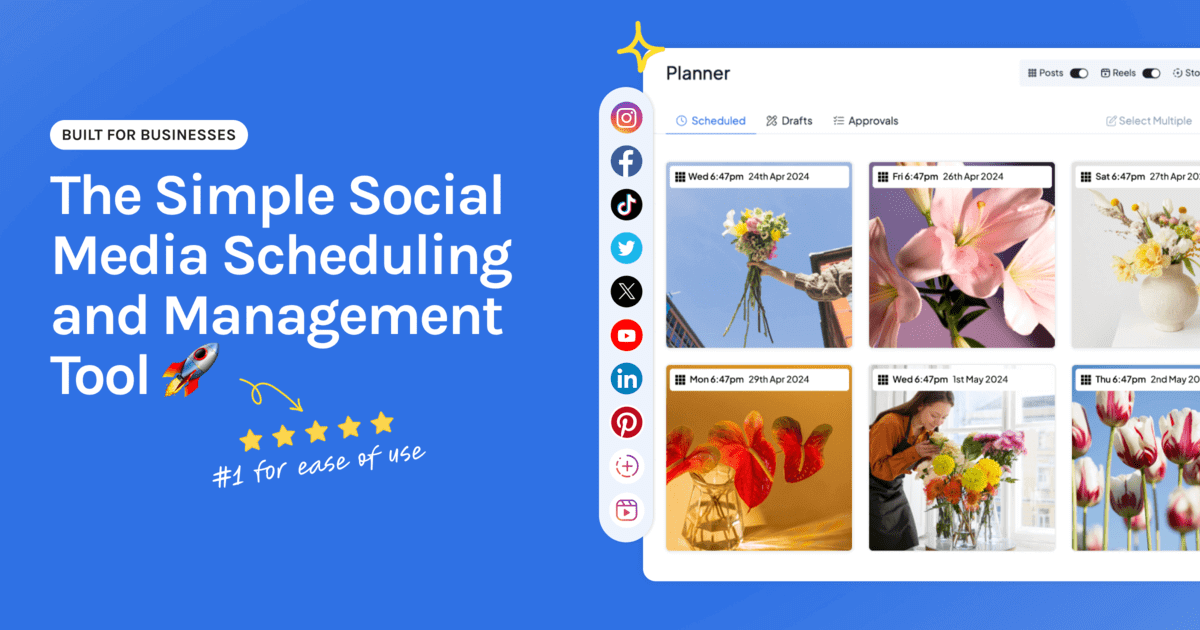
Everything then sits on one visual calendar, so you can see your whole week across every platform and spot the day you’ve accidentally stacked three posts on top of each other.
What to look for in a multi-platform scheduler
If you’re posting to five networks or more, the tool matters more than it does at one or two. Look for:
- Every network on one calendar. If you switch tools per platform, you lose the overview that makes repurposing work.
- Per-platform captions from one upload. Repurposing needs different words on each network without re-uploading the file.
- Bulk uploading. A week of repurposed content is a lot of files.
- Genuine auto-publishing for every format. Reels, carousels, and TikTok videos should post on their own, not send you a reminder to finish the job.
- Multiple accounts and team access. Essential if you manage brands for clients or need someone to approve posts. Agencies should look at our agency features.
Hopper HQ supports nine networks: Instagram, TikTok, LinkedIn, Facebook, X, Pinterest, Threads, YouTube, and Bluesky. For a wider comparison, see our roundup of the best social media schedulers.
Common repurposing mistakes to avoid
- Posting another platform’s watermark. A TikTok logo on an Instagram Reel tells people it’s leftover content. Always upload the clean master file.
- Using one caption everywhere. Hashtag-heavy captions look out of place on LinkedIn. Long reflective posts get skipped on TikTok.
- Publishing everything at the same minute. Stagger the versions across the week so your most engaged followers don’t see the same thing three times in an hour.
- Forcing every idea onto every platform. Some ideas only suit one network. That’s fine. Skip the platform rather than post something that doesn’t fit.
- Never reusing your winners. Your best post from three months ago is probably your best idea for next week.
The bottom line
Repurposing isn’t about doing less work for less return. It’s about putting your effort into the part that matters, the idea, and letting the formatting be quick.
One idea a week. One master asset. Three versions, each written for the people on that platform. Schedule it all in one sitting, then get on with your week.
Start your free 14-day trial of Hopper HQ → and plan your first repurposed week across Instagram, TikTok, and LinkedIn. 14 days free, cancel anytime. Or see plans and pricing.
Frequently asked questions
How do I repurpose content across Instagram, TikTok, and LinkedIn?
Start with one core idea and one master asset, usually a short vertical video or a set of tips. Then adapt it per platform instead of copying it: a polished Reel and a carousel for Instagram, a faster, more casual cut for TikTok, and a text post or document carousel with a clear takeaway for LinkedIn. Keep the idea the same and change the hook, caption, format, and length.
Is it OK to post the same content on every platform?
Posting the same idea everywhere is fine, and it's how most small teams stay consistent. Posting the identical file and caption everywhere is where it falls down, because each platform rewards different things. Export a clean, watermark-free master file and rewrite the caption and opening line for each network.
How do I schedule content across multiple platforms efficiently?
Batch it. Create a week or two of content in one sitting, upload it all at once, write a caption per network in the same composer, then drop everything onto one calendar that covers every platform. A scheduler with genuine auto-publishing means nothing waits on you to tap a notification.
Can I schedule content for multiple accounts at once?
Yes. In Hopper HQ you tick every account you want a post to go to, tweak the caption for each one, and schedule them together in one step. That works across different networks and across several accounts on the same network, which is useful if you manage brands for clients.
What's the best platform for scheduling content across five social networks?
Look for one calendar that shows every network side by side, per-platform captions from a single upload, bulk uploading, and auto-publishing for every format you use, including Reels, carousels, and TikTok video. Hopper HQ covers nine networks, including Instagram, TikTok, LinkedIn, Facebook, X, Pinterest, Threads, YouTube, and Bluesky, from one visual calendar.
Take your social game further with Hopper HQ.
Plan, schedule and auto-post to every channel in one place. Free for 14 days · Cancel anytime.