How to Schedule Social Media Posts: 30 Days of Content in One Hour
Social media eats time in a way that’s hard to see. It’s rarely a big block in your calendar. It’s 20 minutes here, a scramble for a caption there, and a nagging sense on Sunday night that you’ve posted nothing all week.
The fix isn’t posting faster. It’s posting less often, in the sense that matters: doing the work once, for the whole month, instead of 20 separate times.
That’s content batching, and with the right setup you can get a month of posts written, uploaded, and scheduled in about an hour.
Start your free 14-day trial →
What this guide covers
- What content batching is, and why it saves so much more time than it looks like it should
- How to schedule social media posts for a full month in four stages
- A worked example: 20 posts across Instagram and LinkedIn, hour by hour
- What your scheduling tool needs to support for any of this to work
What is content batching? Content batching means doing all of one kind of task at once instead of switching between kinds. For social media, that’s writing every caption in one sitting, designing every graphic in another, and scheduling the whole month in a single upload, rather than handling each post separately as its publish date creeps up.
Why batching saves more time than you’d expect
The obvious saving is setup. You open the design tool once instead of 20 times. That’s real, but it’s the small half.
The bigger saving is that you stop restarting. Writing a caption from a cold start means reloading the whole context: what you’re promoting, who you’re talking to, what you already said last week. Do that 20 times and you pay the reload 20 times. Write 20 captions in a row and you pay it once, because by caption four you’re warmed up and the rest come faster.
Four things change when you batch:
- You stay in one mode. Writing, designing, or scheduling. Not all three in rotation.
- The work speeds up as you go. Ideas come more freely when you’re already in the middle of having them.
- The gaps disappear. Everything is scheduled before the month starts, so a busy week can’t knock you off.
- You get your attention back for the good part. With publishing handled, the time you do spend on social is spent replying to people.
Here’s the shape of it in practice. Posting three times a week across two platforms is a few hours a week when you do it reactively, spread thin across every day. Batched, it’s one session a month.
If you’re still working out what to post rather than when, start with your social media content plan first. Pillars and cadence make this hour much faster, because you’re filling in a shape instead of inventing one.
How to schedule social media posts in four stages
| Stage | What you’re doing | Time |
|---|---|---|
| 1 | Sketch the content calendar | 10 minutes |
| 2 | Create everything in batches | 25 minutes |
| 3 | Bulk upload the set | 10 minutes |
| 4 | Assign dates and times | 15 minutes |
| Total | A month scheduled | ~60 minutes |
Do them in order. Each one hands the next its raw material, and the hour falls apart if you start designing graphics before you know what the posts are.
Stage 1: Sketch the calendar (10 minutes)
Map out what kinds of posts go out and roughly when. This is a list, not a document. Resist the urge to make it nice.
Rotate through a few categories so the month has some variety in it:
- Educational posts: tips, how-tos, the questions customers actually ask you
- Product or service highlights
- Behind the scenes
- Industry takes or commentary
- Something that invites a reply: a question, a poll, a customer’s post
The point of writing the categories down is that it stops you filling the month with whichever type you find least effortful. Left unplanned, that’s almost always promotional posts, and a feed that’s mostly selling gives people a reason to scroll past.
If you’d rather sketch this visually, our free social media content planner will lay out a calendar with no login required.
Stage 2: Create everything in batches (25 minutes)
Now produce the content, grouped by type rather than by post.
- Write every caption in one sitting, working down your calendar sketch
- Build every graphic in a second sitting, in whichever design tool you already use
- Resize and crop all the images together, rather than fixing each one at upload
The rule that makes this work: finish all of one thing before starting the next. Writing a caption, then jumping to design that post’s graphic, then back to the next caption is the exact pattern batching exists to break. It feels productive because each post gets “finished”, and it’s the slowest way to do it.
One bonus you only get from batching: at the end you’re looking at 20 captions side by side. That’s when you’ll spot that six of them open the same way, which is something you’d never catch writing one post a morning.
Stage 3: Bulk upload the set (10 minutes)
Move the whole month into your scheduler in one pass.
- Drag the entire batch in at once rather than adding posts one at a time
- Write captions, hashtags, and tags during the upload, not in a second pass afterwards
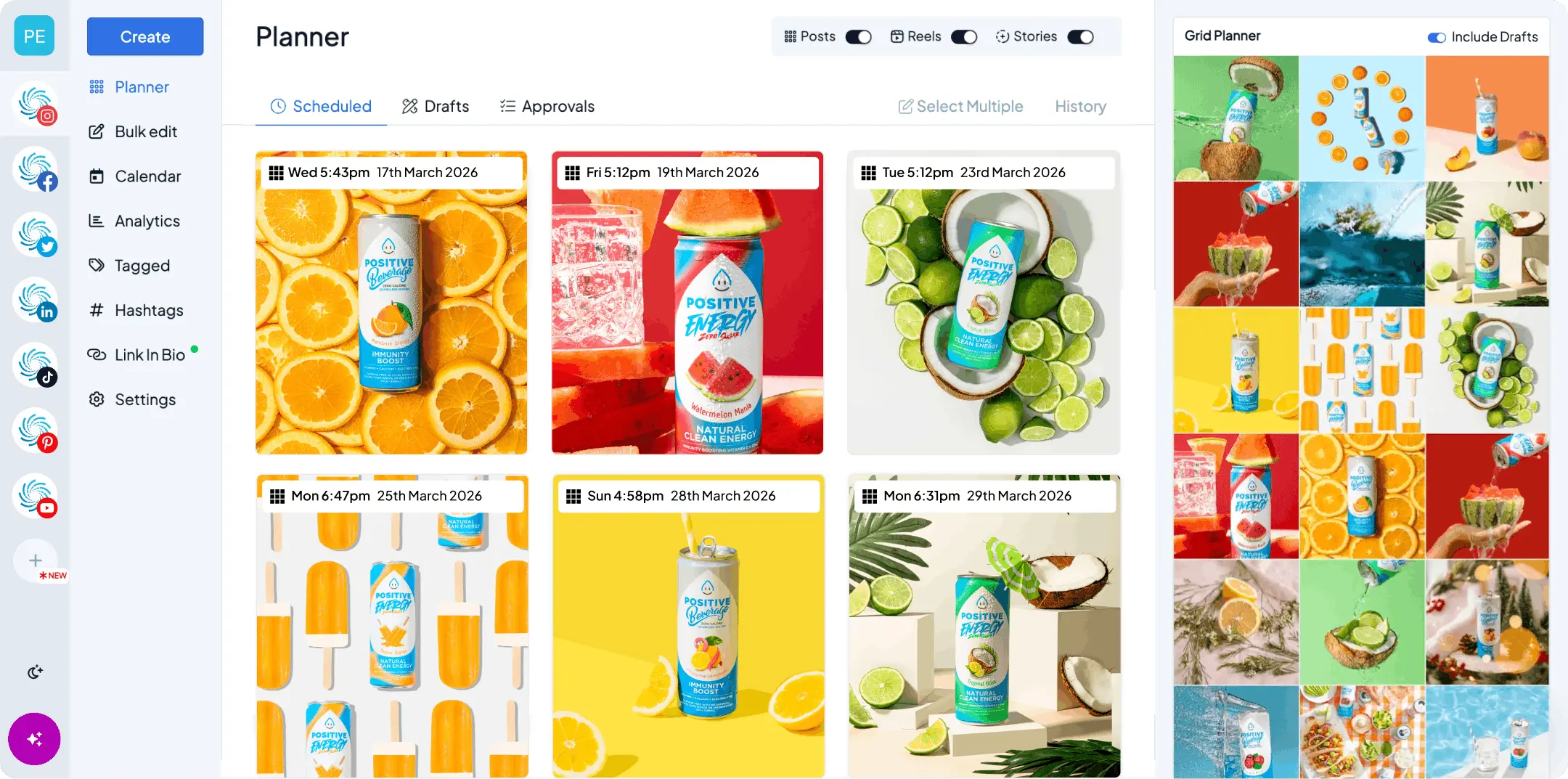
- Look at the full set in a calendar view before you commit to any dates
Bulk uploading is the stage where a tool either saves you the hour or costs you it. Dragging 20 files in together takes a couple of minutes. Adding 20 posts through a form takes most of your session.
Stage 4: Assign dates and times (15 minutes)
Drop the posts onto days. Because you sketched the calendar in stage one, you already know what goes where, so this is arranging rather than deciding.
- Space posts out in a visual calendar so you can see the gaps and the clusters
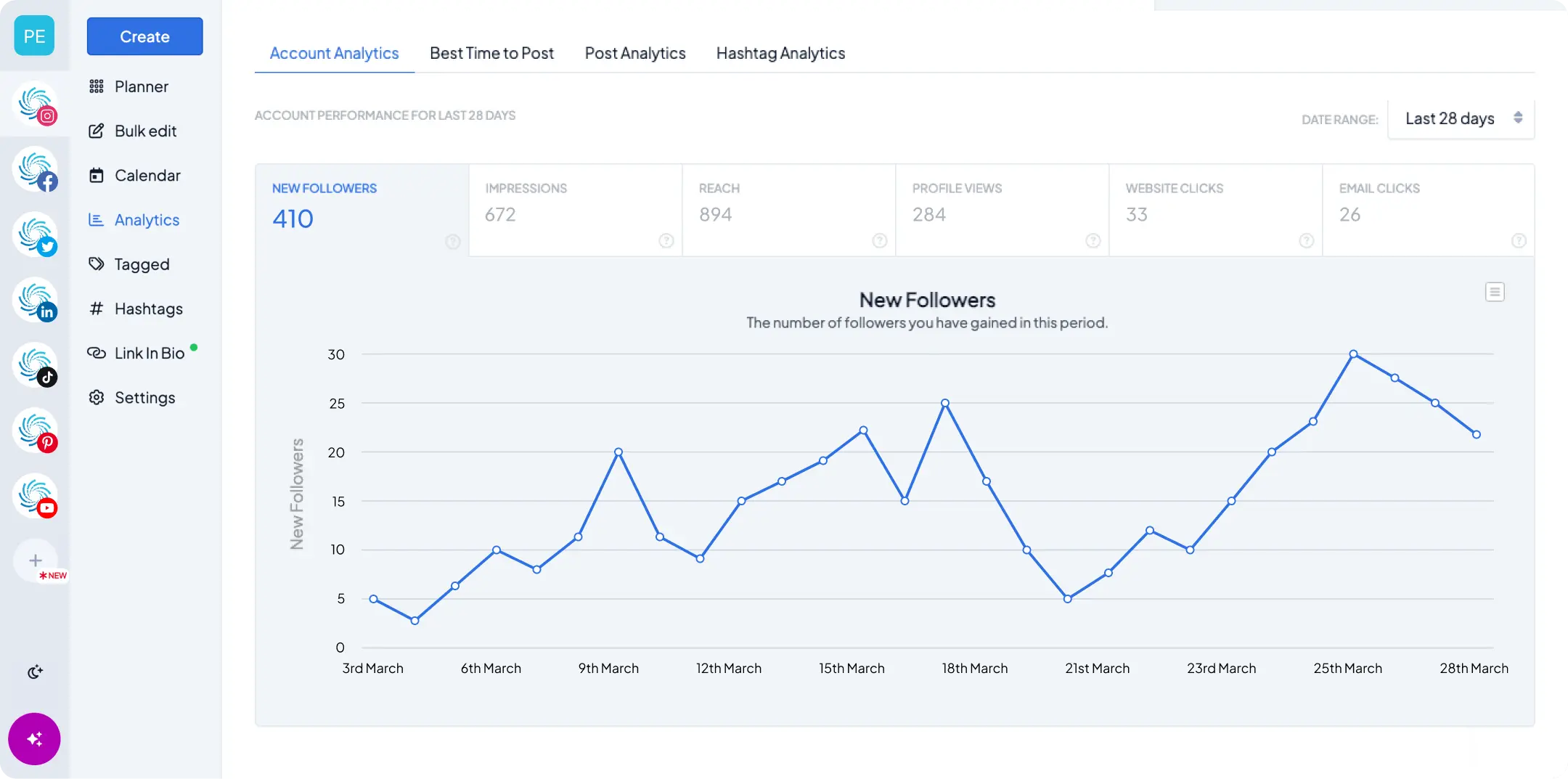
- Set times per platform based on when your audience is actually around, which your analytics will tell you
- Adapt the caption where a platform needs it: a longer, more considered version on LinkedIn, something tighter on Instagram. Cross-posting handles this without you rewriting from scratch
Then turn on auto-publishing and you’re done. This last part matters more than it sounds. If publishing means being at your desk to tap a notification, you’ll miss one, and missing one is usually where the whole habit starts to unravel.
A worked example: 20 posts across two platforms
Here’s the hour as a solo creator or small team would actually run it.
The goal: three Instagram posts and two LinkedIn posts a week. Call it 20 posts for the month.
| Time | Stage | What’s happening |
|---|---|---|
| 0-10 min | Plan | Rough out tutorials, product updates, and commentary across four weeks |
| 10-35 min | Create | All Instagram graphics in one pass, then all LinkedIn captions in one doc |
| 35-45 min | Upload | Drag all 20 posts into Hopper HQ together |
| 45-60 min | Schedule | Instagram Monday, Wednesday, Friday. LinkedIn Tuesday, Thursday |
At the end of the hour the month publishes itself. What’s left is the part worth your time: replying to comments and messages as they come in.
What you’ve also removed, which is harder to put a number on:
- The daily “what do I post today?” decision
- Captions written under time pressure at 8:55am
- Days missed because the week got away from you
- Logging into four apps to publish four posts
What your scheduling tool needs to support
Plenty of tools will store posts for you. Fewer support the workflow above, and the gap shows up in stage three.
| Stage | What you’ll use | What it’s for |
|---|---|---|
| Planning | A doc, a sheet, or a content planner | Mapping types, themes, and rough dates |
| Design | Whichever design tool you already know | Graphics, resizing, short video |
| Scheduling | Hopper HQ | Bulk upload, visual calendar, auto-publishing |
Five things to check before you commit to a scheduler:
- Real bulk upload. Dozens of posts in one go, not a form you fill in 20 times.
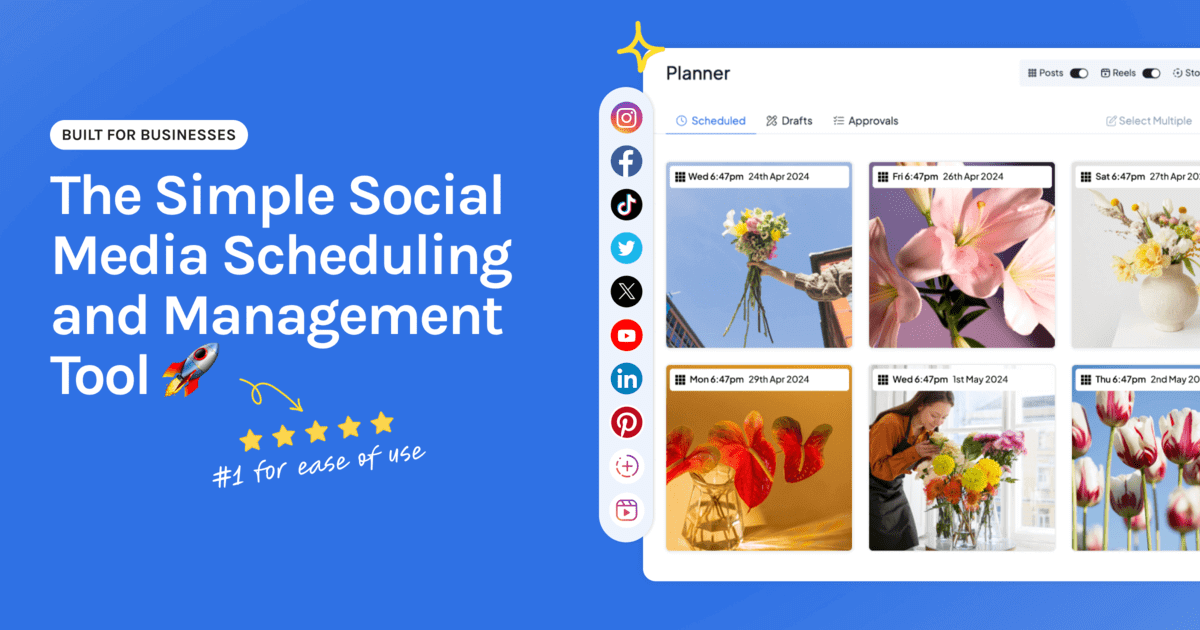
- A drag-and-drop calendar. You’ll reschedule constantly. Moving a post should take a second.
- Every network in one place. If you’re switching tools per platform, you can’t see your month at a glance, which was the whole point.
- Genuine auto-publishing. Posts go out on their own, Reels and Stories included. Push notifications that ask you to finish the job by hand will break your consistency eventually.
- Per-platform captions. One post, adapted for each network, without writing it from scratch every time.
Hopper HQ’s scheduler and cross-posting are built for exactly this, across Instagram, TikTok, LinkedIn, Facebook, X, Pinterest, Threads, Bluesky, and YouTube.
The bottom line
Batching isn’t a productivity trick. It’s a change in when the work happens: once, deliberately, for the whole month, instead of in 20 small interruptions you never planned for.
Sketch the calendar. Write everything. Upload everything. Assign the dates. Then let it run, and spend the month talking to people instead of publishing at them.
Start your free 14-day trial of Hopper HQ → and schedule your first month in one session. 14 days free, cancel anytime. Or see plans and pricing.
Frequently asked questions
How do you schedule a month of social media posts in one hour?
Work in four stages instead of post by post: sketch the calendar (10 minutes), write every caption and build every graphic in one sitting (25 minutes), bulk upload the whole set (10 minutes), then assign dates and times (15 minutes). The hour only works because you never switch between modes. If you stop to design a graphic in the middle of writing captions, you'll lose the time you saved.
How far in advance should you schedule social media posts?
Two to four weeks suits most small teams. A month works well for evergreen content like tips, how-tos, and product highlights. Leave two or three slots open so you can react to something timely without tearing up the calendar.
Does scheduling posts in advance hurt engagement?
There's no evidence that platforms demote posts published through their official APIs, which is how a proper scheduler publishes. What actually moves engagement is whether the content is worth engaging with and whether it lands when your audience is around. Both are things a month of planning tends to improve, not harm.
What's the best way to bulk schedule social media posts?
Upload the whole batch in one go rather than adding posts one at a time, and write your captions and hashtags during the upload instead of going back over them later. Then review everything in a calendar view before you assign dates, so you catch the week where you've accidentally scheduled three product posts in a row.
How many posts a month should a small business publish?
Three to five posts a week per platform is a common starting point, but consistency beats volume every time. Twelve good posts a month on a schedule you can keep will do more for you than 30 rushed ones followed by a quiet December.
Take your social game further with Hopper HQ.
Plan, schedule and auto-post to every channel in one place. Free for 14 days · Cancel anytime.