How to Build a Social Media Content Plan You'll Actually Stick To
Most social media advice tells you what to post. The harder problem is posting at all, week after week, when the business is busy and nobody’s paying you to be a content creator.
A social media content plan fixes that. Not with a 40-page strategy document, but with a few decisions made once so you’re not making them again every morning.
Start your free 14-day trial →
What this guide covers
- What a social media content plan actually is, and what it isn’t
- Why planning ahead beats posting whatever’s ready today
- How to plan social media content in five steps, in a single session
- What to look for in a tool that supports it
What a social media content plan actually is
A social media content plan is a short set of decisions about what you post, how often, and when. That’s it. Three things:
- Pillars. The three or four themes you post about, so you’re never staring at a blank caption box.
- Cadence. How many times a week you publish, on which platforms.
- A calendar. Where those decisions live, so the plan survives contact with a busy week.
It’s worth separating the plan from the strategy. A strategy answers why you’re on social media and who you’re trying to reach. A plan answers what goes out on Tuesday. You need the first one eventually. You need the second one this week.
It’s also not the same as a content calendar. The calendar is where the plan lives, but a calendar with nothing in it is just a grid. The plan is the part that tells you what to put there.
Why planning ahead beats posting whatever’s ready
Posting reactively feels efficient. You’ve got a photo, you write a caption, it goes out. The problem isn’t any single day. It’s what builds up over a few months.
You post in bursts, then disappear. Quiet weeks turn into quiet months, and the quiet months are the ones where your audience forgets you exist. Consistency matters more than volume here, and consistency is exactly what reactive posting can’t deliver.
You default to whatever takes least effort. Without pillars, promotional posts win, because they’re the ones you always have material for. Then you look back and realize you’ve posted about your own product six times and nothing else.
You have no room to make anything better. Reactive posting means the caption you write at 8:55am is the caption that ships. There’s no gap between drafting and publishing, so there’s no chance to improve it.
Every post costs a decision. That’s the hidden tax. Deciding what to post is genuinely harder than posting, and doing it daily is what burns people out. A plan front-loads those decisions into one session so the rest of the week is just execution.
None of this requires you to become a content machine. It requires you to stop making the same decision 20 times a month.
How to build a social media content plan in five steps
Here’s how to plan social media content without it eating your week. Set aside about an hour for the first run. After that it’s more like 20 minutes every two weeks.
1. Audit what you’ve already been posting
Open your profiles and look at your last 20 posts as a stranger would. You’re looking for three things: how often you actually posted (not how often you meant to), what you posted about, and which posts did well.
Most people find the same thing here. The gaps are bigger than they remembered, and the content is more promotional than they intended. That’s useful, and it’s the fastest five minutes in this whole process.
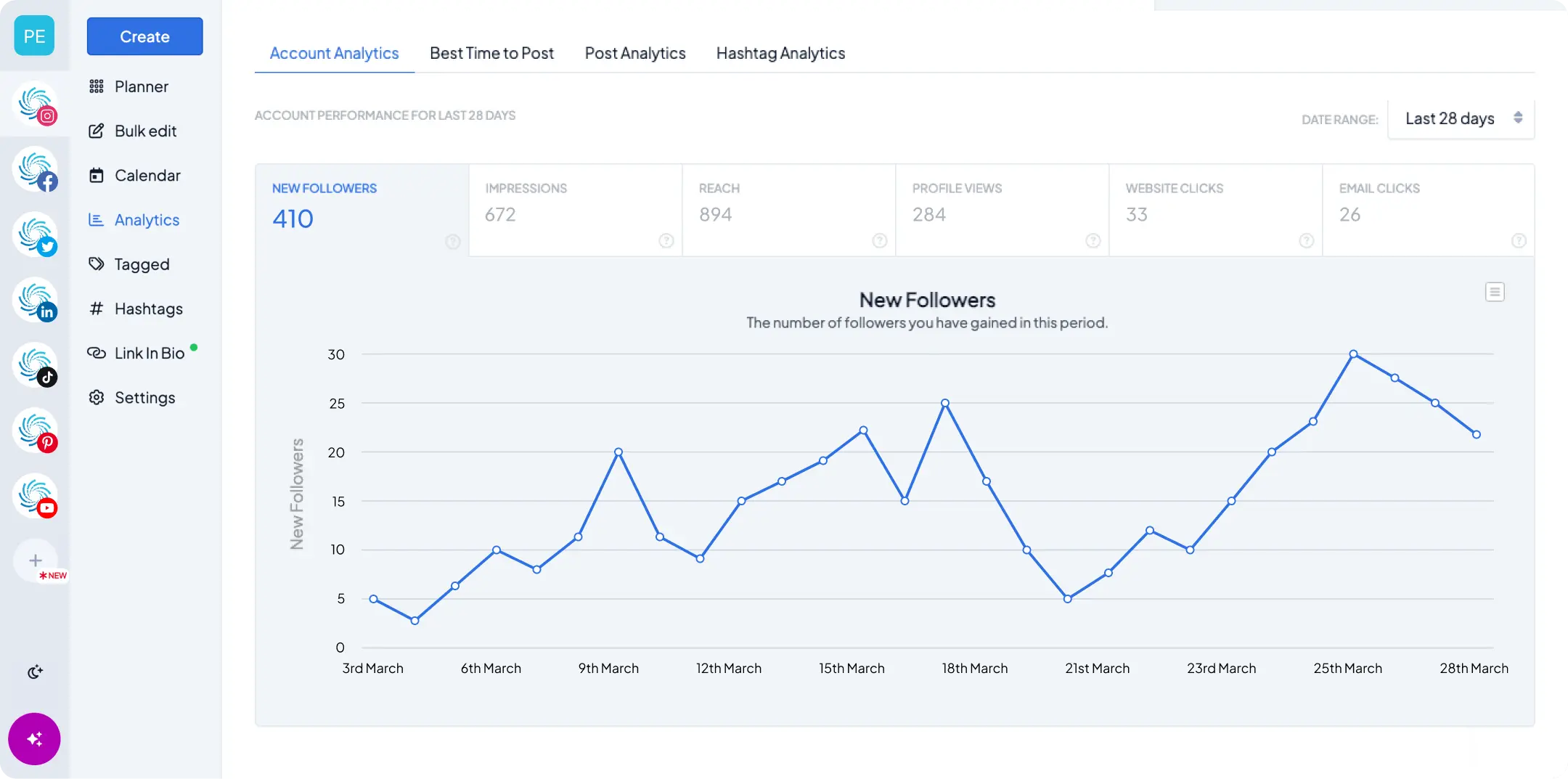
If you’ve got analytics on your accounts, pull the top five posts from the last few months. Those are your clues for step two.
2. Pick three or four content pillars
Pillars are the recurring themes you rotate through. They exist so that “what should I post?” becomes “it’s Tuesday, so it’s a tip.”
For a small business, a workable set looks like:
- Useful. Tips, how-tos, answers to questions customers actually ask you.
- Proof. Results, reviews, customer stories, before and afters.
- Human. Behind the scenes, the team, how the work gets made.
- Offer. The product, the booking link, the thing you’d like people to buy.
Three or four is the right number. Fewer and you repeat yourself. More and you can’t keep any of them fed.
Keep the offer pillar to roughly one post in four. Not because there’s a rule about it, but because a feed that’s mostly selling gives people a reason to scroll past, and you want the other three pillars earning the right to make the ask.
3. Set a cadence you can keep on your worst week
This is where most plans break. People set a cadence for the version of themselves who has a free Thursday afternoon, then miss it in week two and quietly abandon the whole thing.
Pick the number you could hit during your busiest month. For most small businesses that’s three posts a week, not daily. Three a week is 12 posts a month, and 12 good posts beat 30 rushed ones by a distance.
Be honest about platforms too. Two platforms you post to consistently will do more for you than five you post to occasionally. If you’re spread thin, cross-posting the same content to a second network costs you almost nothing and is a better use of your time than inventing a separate strategy for each one. Our guide to repurposing content across Instagram, TikTok, and LinkedIn shows how to adapt one idea for each platform without starting from scratch.
4. Batch two weeks of content in one sitting
Batching is the step that makes everything else sustainable. Instead of creating one post at a time, you create two weeks’ worth in a single session.
It’s faster for a boring reason: you stop paying the switching cost. Writing six captions in a row is much quicker than writing one caption on six separate mornings, because you’re already warmed up and in the same headspace.
A two-week batch at three posts a week is six posts. Work through your pillars in rotation, draft all the captions first, then match the images, then review the whole set together. Reviewing them side by side is when you’ll notice that four of them open with the same phrase.
If you’re uploading a lot of assets at once, bulk uploading will save you the most tedious part of this step.
5. Schedule it, then check what worked
Load the batch into your content calendar, set the times, and let auto-publishing handle the rest. This matters more than it sounds. If publishing requires you to be at your desk at 9am on a Tuesday to tap a notification, you’ll miss one, and missing one is how the habit dies.
Then, at your next planning session, spend five minutes on what performed. Not a full report. Just: which pillar did best, and which post surprised you? Feed that into the next batch.
That’s the loop. Audit, pillars, cadence, batch, schedule, review. It gets faster every time you run it, because the pillars and the cadence carry over and you’re only doing steps four and five.
A note on planning for Instagram
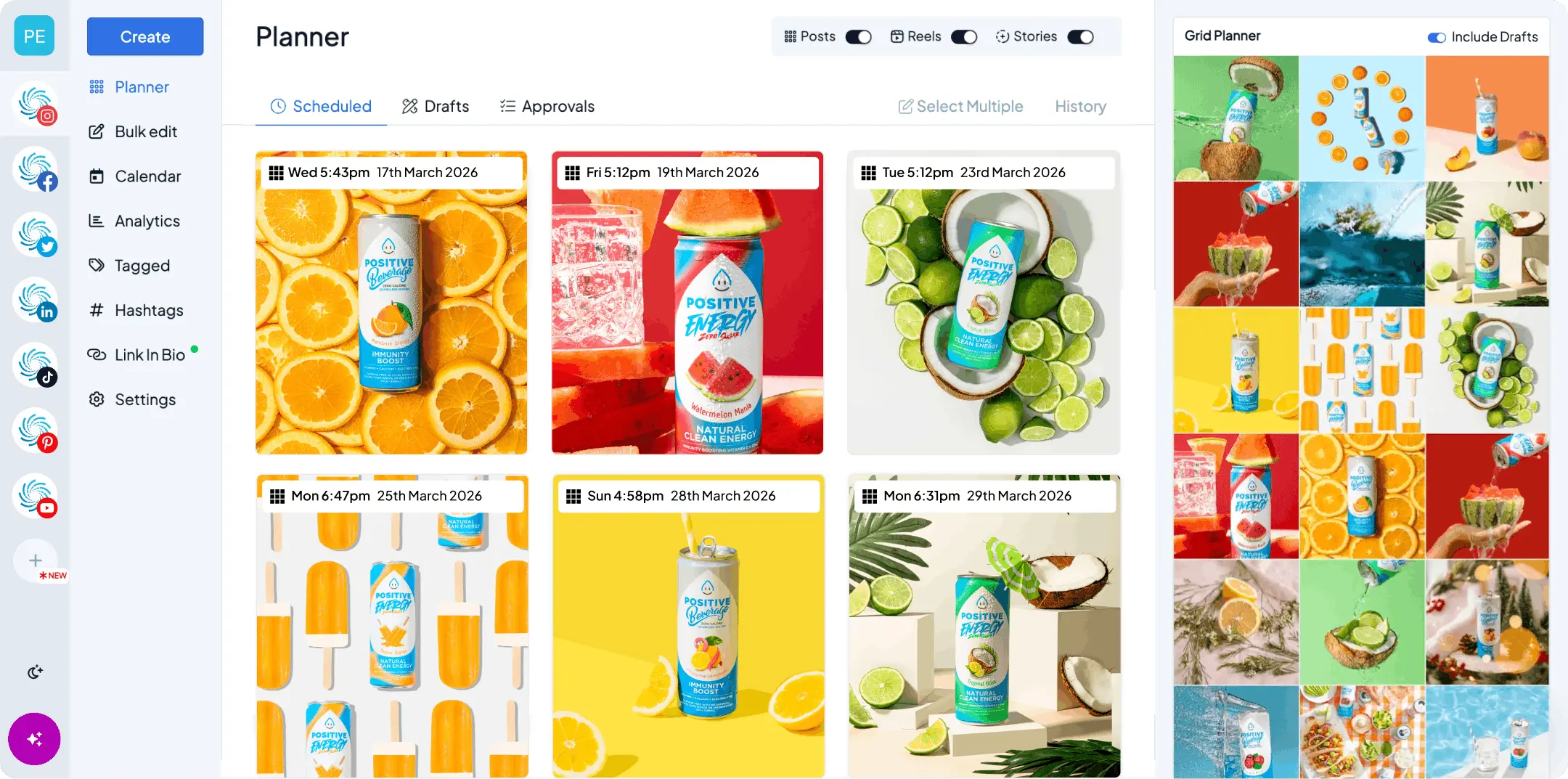
Instagram adds one wrinkle the other platforms don’t. Your profile shows recent posts together in a three-column grid, so people see nine posts at once rather than one at a time. A post that looks good on its own can still clash with the two beside it.
The practical fix is to preview the grid before you publish, not after. Our free Instagram grid planner lets you arrange upcoming posts and see exactly how your feed will look to someone landing on your profile, without publishing anything. If you’d rather make one image span the grid, our free Instagram grid maker splits it into tiles for you.
Plan in batches of three and each row lands the way you meant it to.
What to look for in a planning tool
Plenty of schedulers will store your posts. Fewer of them support the workflow above. Four things matter:
- A drag-and-drop calendar. You’ll reschedule constantly. Moving a post should take a second, not a form.
- Bulk uploading. Batching two weeks of content is tedious if you’re uploading assets one at a time.
- Genuine auto-publishing. Posts go out on their own, including Reels and Stories. Push notifications that ask you to finish the job manually will break your consistency eventually.
- Every network in one calendar. If you’re switching tools per platform, you can’t see your week in one place, which was the point.
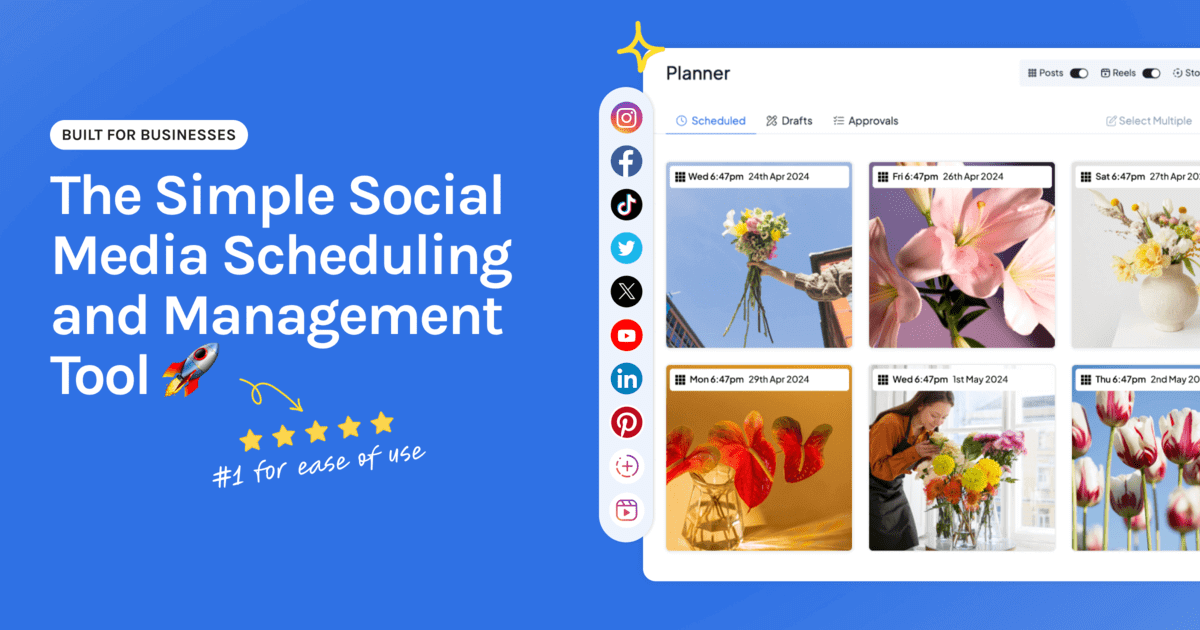
Hopper HQ’s visual planner does all four. If you’d rather sketch out a schedule before committing to a tool, our free social media content planner will build you a two-week calendar with no login.
The bottom line
A social media content plan isn’t a document. It’s three or four pillars, a cadence you can keep on a bad week, and one session every two weeks where you batch and schedule the lot.
The teams who stay consistent aren’t more creative or more disciplined than everyone else. They’ve just stopped deciding what to post every single morning, and made that decision once instead.
Pick your pillars this week. Batch six posts. See how much lighter the next two weeks feel.
Start your free 14-day trial of Hopper HQ → and plan your first two weeks in one session. 14 days free, cancel anytime. Or see plans and pricing.
Frequently asked questions
How do you make a social media content plan?
Start with an audit of what you've already posted, pick three or four content pillars, choose a cadence you can keep on a busy week, then batch and schedule two weeks at a time. The plan is the pillars plus the cadence. Everything after that is filling in the calendar.
What is the 5-3-1 rule for social media?
It's a daily engagement habit rather than a content plan: leave five likes, three genuine comments, and follow one new account in your niche. It's about showing up in other people's feeds, so it sits alongside a content plan rather than replacing one. Treat it as a rule of thumb, not a researched formula.
How far ahead should you plan social media content?
Two weeks is the sweet spot for most small teams. It's far enough ahead that a busy week can't knock you off schedule, and close enough that your content still reflects what's actually happening in your business.
What's the best content planner for social media?
Look for a drag-and-drop calendar, bulk uploading, and genuine auto-publishing across every network you post to. Hopper HQ combines all three, and you can map out a two-week schedule first with our free social media content planner.
How many content pillars should you have?
Three or four. Fewer and your feed gets repetitive. More and you'll struggle to fill each one consistently, which defeats the point of having them.
Take your social game further with Hopper HQ.
Plan, schedule and auto-post to every channel in one place. Free for 14 days · Cancel anytime.