


Cheapest Social Media Schedulers in 2026: How the Pricing Really Works
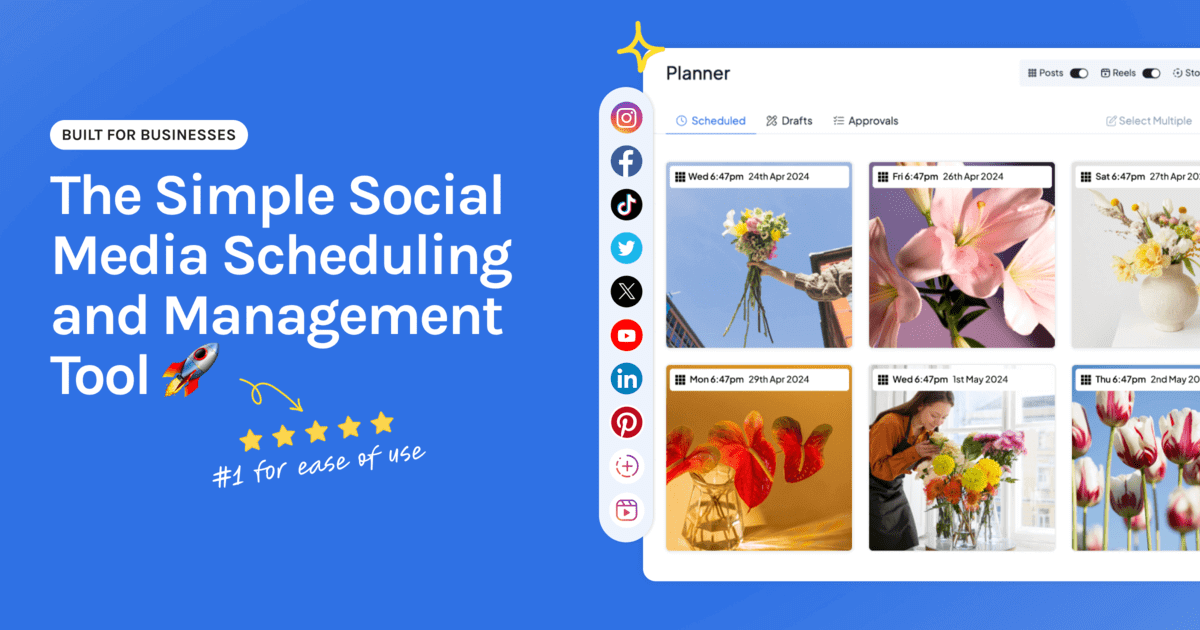
Ask which social media scheduler is cheapest and you’ll get a different answer for every setup. That’s because these tools don’t charge for the same thing. One bills per account, another per person, a third sells bundles. The cheapest tool for a solo creator with two accounts is rarely the cheapest for an agency with 30.
So this guide skips the list of headline prices and explains the pricing models. Once you know which model fits your setup, the cheapest option is usually obvious.
The short answer
| Your setup | Cheapest kind of tool |
|---|---|
| One network only | The free scheduler built into that network |
| One to five accounts, just you | Per-account pricing |
| A few accounts, several people | Per-account pricing with unlimited users |
| Instagram-first brand with one profile per network | Per-account or “social set” pricing |
| Dozens of client accounts | Tiered bundles built for agencies |
| Large team that needs listening and deep reporting | Per-user suites, at a much higher price |
Pricing note: Hopper HQ is $5 per connected social account per month on Grow, or $10 on Scale with unlimited users and approvals, billed annually ($6 and $12 billed monthly), with every feature on every plan. Other tools change their prices often, so this guide compares how they charge instead of printing numbers that go out of date. Check each tool’s pricing page for current figures. Hopper HQ prices verified October 27, 2026.
The four pricing models
Per connected account
You pay a set amount for each social profile you connect. Add an account and the bill goes up by one unit.
Tools that work this way: Hopper HQ, Buffer, and Publer.
Cheapest when: you have a small number of accounts. The cost tracks exactly what you use, so you never pay for a bundle you only half fill.
Watch for: what’s included at that rate. Some per-account tools keep team features or fuller analytics for a higher plan.
Social sets
You pay for a “set”: roughly one profile on each supported network, treated as a single brand.
Tools that work this way: Later and Pallyy.
Cheapest when: you run one brand with one profile per network and use most of the set.
Watch for: post limits on lower plans, and the jump in cost when you add a second brand or a second profile on the same network.
Per user
You pay for each person who logs in, often with a cap on the number of social accounts.
Tools that work this way: Hootsuite and Sprout Social.
Cheapest when: one or two people manage a large number of accounts and need monitoring or deep reporting.
Watch for: the bill multiplying as the team grows. These are suites built for larger organizations, and the entry price reflects it.
Tiered bundles
You pick a plan that includes a fixed number of accounts and users. Outgrow it and you move up a tier.
Tools that work this way: SocialPilot, among others.
Cheapest when: you manage many accounts and your numbers sit near the top of a tier.
Watch for: paying for headroom you don’t use, and the step up when you add one account too many.
What Hopper HQ costs at each size
We can only speak with certainty about our own prices, so here they are in full.
| Connected accounts | Grow (one user) | Scale (unlimited users, approvals) |
|---|---|---|
| 1 | $5 a month | $10 a month |
| 3 | $15 a month | $30 a month |
| 5 | $25 a month | $50 a month |
| 10 | $50 a month | $100 a month |
Prices shown are billed annually. Monthly billing is $6 per account on Grow and $12 on Scale.
Every plan includes unlimited posts, every supported network, the visual calendar, bulk upload, auto-publishing, analytics, an AI assistant, and a link in bio page. The only difference between Grow and Scale is team features. Every plan starts with a free 14-day trial.
Five costs that hide behind a low price
A headline price tells you very little by itself. Before you compare tools, check these.
- Extra users. Is the price for one person? What does a second login cost?
- Post caps. Is there a limit on posts per month or per account? Work out a launch month, not an average one.
- Analytics. Is reporting included, or sold as a separate product?
- Link in bio. Included, or on a higher tier?
- Billing period. Is the price you’re looking at annual or monthly, and how big is the gap?
A plan that looks cheaper can cost more once two of these apply to you.
Work out your real cost in two minutes
- Count your accounts. Every profile you post to, on every network.
- Count your people. Everyone who needs to log in, including anyone who only approves posts.
- Estimate your busiest month. How many posts go out when you’re running a launch or a seasonal push?
- List your must-haves. Reels and Stories that publish on their own, a grid preview, analytics, link in bio.
- Price that exact setup on each tool’s pricing page, on the billing period you’d actually choose.
The number you end up with is the only one worth comparing.
Is free cheaper?
Sometimes, yes. If you post to one network, the scheduler built into it costs nothing. Several tools also keep a limited free plan. Our guide to free social media schedulers covers what each kind of free option includes and where the limits fall.
The catch is time. A free plan that caps your posts, or that sends a phone reminder instead of publishing a Reel, moves the cost from your card to your calendar.
How to choose
- A handful of accounts, and you want every feature without tiers: Hopper HQ.
- Simple, text-led scheduling with a free tier to start on: Buffer. See Hopper HQ vs Buffer.
- One Instagram-first brand and a set that fits it: Later or Pallyy. See Later alternatives and Pallyy alternatives.
- Many client accounts on a budget: SocialPilot. See SocialPilot alternatives.
- A large team that needs monitoring and reporting: Hootsuite or Sprout Social, with a budget to match.
For a comparison on features instead of price, see our best social media scheduler guide. Or see Hopper HQ plans and pricing and start your free 14-day trial.
Frequently asked questions
What is the cheapest social media scheduler?
It depends on how many accounts and people you have. For one to five accounts and a solo user, per-account tools are usually cheapest. Hopper HQ costs $5 per connected account per month on Grow, billed annually, with every feature and unlimited posts included. If you post to one network only, the scheduler built into that network is free.
Which social media schedulers charge per social account?
Hopper HQ, Buffer, and Publer all price by connected account or channel. Hopper HQ charges the same rate for every account and includes every feature on every plan. Other per-account tools may put team features or analytics on a higher plan, so compare what's included as well as the rate.
How much does a social media scheduler cost per month?
Entry prices for small setups typically run from a few dollars to a few tens of dollars a month. On Hopper HQ, one account is $5 a month, three accounts are $15, and five accounts are $25 on Grow, billed annually. Tools aimed at larger teams charge per user and cost far more.
Is a per-account or per-user scheduler cheaper?
Per-account pricing is cheaper when you have few accounts and several people. Per-user pricing is cheaper when one person manages a very large number of accounts. Most small businesses and creators have a handful of accounts, so per-account pricing tends to win.
What hidden costs should I look for in scheduler pricing?
Check five things: charges for extra users, monthly post caps, analytics sold as an add-on, link in bio on a higher tier, and the gap between monthly and annual billing. Any one of them can make a low headline price cost more than a higher one.
Is the cheapest scheduler the best value?
Not always. A cheap plan that caps your posts or leaves out auto-publishing for Reels and Stories costs you time instead. Work out the price for your real setup, then check that the plan covers the formats and networks you use every week.
Take your social game further with Hopper HQ.
Plan, schedule and auto-post to every channel in one place. Free for 14 days · Cancel anytime.