


The 7 Best Instagram Feed Planner Apps in 2026
Your Instagram profile is a shop window. People who land on it decide in a few seconds whether to follow, and what they’re judging is the grid as a whole, not any single post.
A feed planner lets you see that whole before it’s public. You drop in your upcoming posts, move them around until the grid looks right, and only then schedule them. This guide compares the best options, including a free one that needs no account.
Start your free 14-day trial →
Instagram feed planners at a glance
| Tool | Best for | What stands out |
|---|---|---|
| Hopper HQ | Planning your grid and every other network | Grid preview, auto-publishing, per-account pricing |
| Later | Instagram-first brands that rely on link in bio | Visual planner and a well-known link in bio tool |
| Planoly | Instagram-focused visual planning | Tight grid planning for Instagram and Pinterest |
| Plann | Planning with strategy prompts | Guidance on what to post |
| Pallyy | Visual planning on a small budget | Grid planner with a limited free plan |
| Preview | Planning on your phone | Mobile-first grid arranging |
| Hopper HQ grid planner (free tool) | A quick layout check, no account | Free, no login, preview only |
Pricing note: Hopper HQ is $5 per connected social account per month on Grow, or $10 on Scale with unlimited users and approvals, billed annually ($6 and $12 billed monthly), with every feature on every plan. Other tools change their prices often, so this guide compares them on durable features instead. Check each tool’s pricing page for current numbers. Hopper HQ prices verified October 27, 2026.
What makes a good feed planner
A preview you can trust. The grid in the tool should match the grid on your profile, including the crop Instagram uses.
Drag and drop. Rearranging should take a second. You’ll do it constantly.
Planning and publishing in one place. If you plan in one app and post from another, the order drifts.
Reels and carousels in the preview. Cover images and first slides are part of your grid.
Auto-publishing. Posts, Reels, and Stories should go out on their own, with no phone reminders.
The 7 best Instagram feed planners
1. Hopper HQ, best for planning your grid and every other network
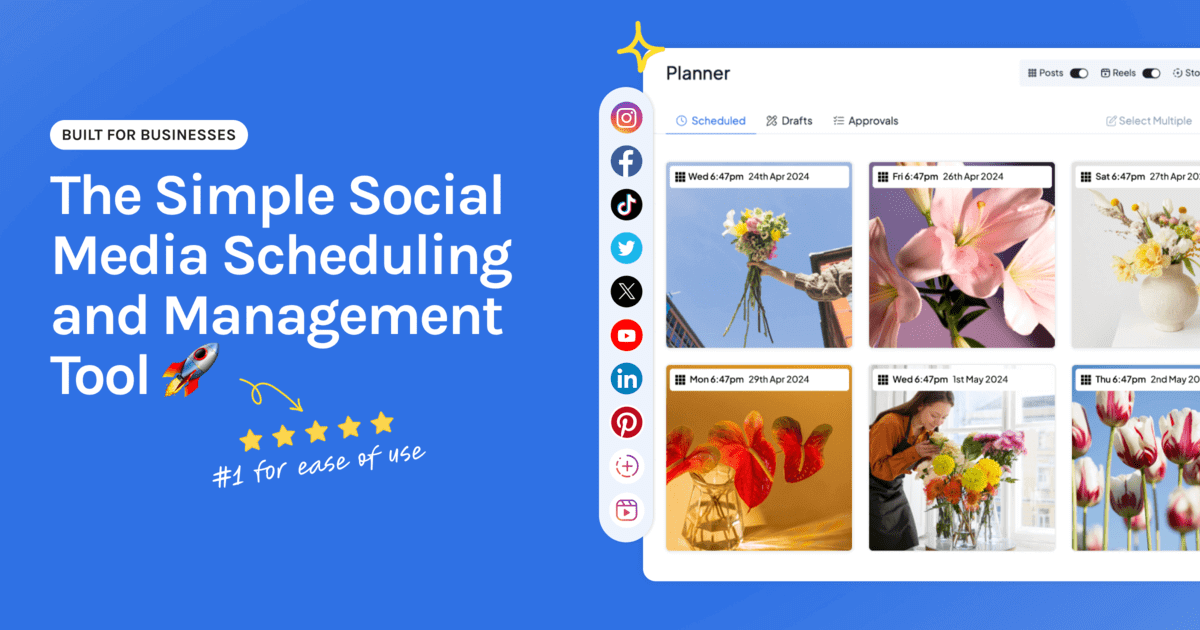
Hopper HQ pairs a drag-and-drop grid preview with a scheduler that publishes for you. Arrange your upcoming posts, see the feed as followers will, and the order you plan is the order that goes live.
Key features: grid preview in the Instagram scheduler, a visual calendar, bulk upload, auto-publishing for posts, Reels, Stories, and carousels, a link in bio page, a hashtag explorer, and analytics.
Best for: creators, small businesses, and lean agencies who care how the feed looks and also post to TikTok, Facebook, LinkedIn, or Pinterest.
Pricing: $5 per connected social account per month on Grow, or $10 on Scale with unlimited users and approvals, billed annually ($6 and $12 billed monthly). Every feature is on every plan, and every plan starts with a free 14-day trial.
Watch for: there’s no free plan. For a quick layout check without an account, use the free tool at number seven.
2. Later, best for Instagram-first brands that rely on link in bio
Later helped define visual Instagram planning, and its link in bio tool is one of the best known.
Key features: visual planner, media library, grid preview, and link in bio.
Best for: brands whose main channel is Instagram and who sell through their bio link.
Watch for: plans are sold as social sets with post limits on lower tiers. See Hopper HQ vs Later and Later alternatives.
3. Planoly, best for Instagram-focused visual planning
Planoly is a dedicated visual planner for Instagram and Pinterest.
Key features: grid preview, visual planning, and a link in bio tool.
Best for: creators who mainly plan a considered Instagram grid.
Watch for: a narrower network focus than a full multi-network scheduler. See Planoly alternatives and Planoly vs Later.
4. Plann, best for planning with strategy prompts
Plann combines grid planning with prompts and guidance on what to post.
Key features: visual grid planning, content strategy tools, link in bio, and analytics.
Best for: creators who want a nudge on content, not only on layout.
Watch for: it’s Instagram-centric, so it suits broad multi-network teams less well.
5. Pallyy, best for visual planning on a small budget
Pallyy is a visual, Instagram-friendly scheduler with a grid planner.
Key features: grid planning, a visual calendar, a link in bio tool, and a limited free plan.
Best for: solo creators who want visual planning at a low entry price.
Watch for: plans are sold per social set, and the free plan has limits. See Pallyy alternatives.
6. Preview, best for planning on your phone
Preview is a mobile-first app for arranging your grid.
Key features: drag-and-drop grid arranging on your phone, with editing and caption tools.
Best for: creators who shoot, edit, and plan entirely on mobile.
Watch for: check which formats publish automatically and which need you to finish in the Instagram app.
7. Hopper HQ grid planner, best free tool for a quick layout check
The Instagram grid planner is a free Hopper HQ tool. Upload your images, drag them into order, and see how the feed will look. No login needed.
Key features: grid preview, drag and drop, no account.
Best for: checking a layout before a launch, or trying feed planning before you choose a tool.
Watch for: it’s preview only. It doesn’t schedule or publish.
Feed planner or scheduler?
A feed planner shows you the grid. A scheduler publishes the posts. If you use two separate tools, you’ll plan a layout and then recreate it by hand, and that’s where the order slips.
Choose a preview-only planner if you post by hand and only want to check the look. Choose a planner with a scheduler if you want the plan to publish itself. Our best Instagram schedulers guide compares that side.
Four ways to plan a better grid
- Plan in rows of three. Your grid shows three posts across, so check each new row as a set.
- Keep key details near the center. The profile grid crops the edges of each image.
- Alternate post types. Mixing photos, graphics, and Reel covers stops the feed feeling flat.
- Check the first nine. They’re what most visitors see before deciding to follow.
Planning a puzzle feed or a seamless carousel? The free Instagram image splitter cuts one image into grid tiles. Need to fix the order of posts already live? See how to rearrange your Instagram grid.
How to choose
- Grid planning plus publishing on every network: Hopper HQ.
- Instagram first, link in bio central: Later.
- Instagram-focused visual planning: Planoly.
- Help deciding what to post: Plann.
- Visual planning on a small budget: Pallyy.
- Everything on your phone: Preview.
- A quick, free layout check: the Hopper HQ grid planner.
Frequently asked questions
What is the best Instagram feed planner?
For planning your grid and publishing from the same place, Hopper HQ gives you a drag-and-drop grid preview with auto-publishing for posts, Reels, and Stories, and plans your other networks in the same calendar. If you only want to preview a layout without scheduling, a free grid planner will do. The right pick depends on whether you want preview only, or preview plus publishing.
Is there a free Instagram feed planner?
Yes. Hopper HQ's Instagram grid planner is free and needs no login, so you can arrange images and see the layout before you post. Some planner apps also have limited free plans. Free options usually preview the grid but don't publish for you, or cap how many posts you can plan.
What's the difference between a feed planner and a scheduler?
A feed planner shows how your grid will look so you can arrange posts visually. A scheduler publishes posts at a set time. The most useful tools do both, so the order you plan is the order that goes out.
Can I rearrange Instagram posts after they're published?
Yes. Instagram now has a Reorder Grid option on your profile, which moves posts without changing their dates. Planning the order before you post still saves you the rework. Our guide to rearranging your Instagram grid explains how it works.
Do feed planners work with Reels and carousels?
Good ones do. Check that Reels show their cover image in the preview and that carousels show the first slide, since that's what appears on your profile grid.
Does a grid preview match what Instagram shows?
It should, but check it against your real profile. Instagram's profile grid shows taller previews than the old square crop, so make sure the planner previews the crop Instagram currently uses, and keep key details near the center of each image.
Take your social game further with Hopper HQ.
Plan, schedule and auto-post to every channel in one place. Free for 14 days · Cancel anytime.