


The 7 Best Social Media Schedulers for Social Media Managers in 2026
When you manage social media for other people, your scheduler isn’t a nice extra. It’s the thing that decides whether you spend your week creating, or logging in and out of accounts.
Most “best scheduler” lists are written for in-house teams with a budget. This one is for the social media manager working alone, or nearly alone: a few clients, a lot of accounts, and no time to waste.
Start your free 14-day trial →
Schedulers for social media managers at a glance
| Tool | Best for | How it charges |
|---|---|---|
| Hopper HQ | Visual planning across client accounts, with a known cost per client | Per connected account |
| Buffer | Plain, quick scheduling | Per connected channel, with a free tier |
| Later | Instagram-first clients | Social sets, with post limits on lower plans |
| Metricool | Managers who send clients detailed reports | Tiered plans, with a free plan |
| Publer | Many networks at a low entry price | Per account, with a free plan |
| Planable | A formal client approval process | By workspace and user |
| SocialPilot | A large number of client accounts | Tiered plans by number of accounts |
Pricing note: Hopper HQ is $5 per connected social account per month on Grow, or $10 on Scale with unlimited users and approvals, billed annually ($6 and $12 billed monthly), with every feature on every plan. Other tools change their prices often, so this guide compares them on durable features instead. Check each tool’s pricing page for current numbers. Hopper HQ prices verified October 27, 2026.
What a social media manager needs
A cost you can quote. When a new client signs, you should know exactly what they add to your bill.
Every client in one calendar. Logging in and out of accounts is the biggest time sink in the job.
Clear separation. You should always know whose account you’re posting to.
Bulk upload. A month of content for three clients is a lot of posts. They need to go in together.
True auto-publishing. You can’t be on your phone at 9am for five clients at once.
A way for clients to say yes. Even a single approval step saves a chain of emails.
Numbers you can share. Simple reporting that shows a client what’s working.
The 7 best schedulers for social media managers
1. Hopper HQ, best for visual planning across client accounts
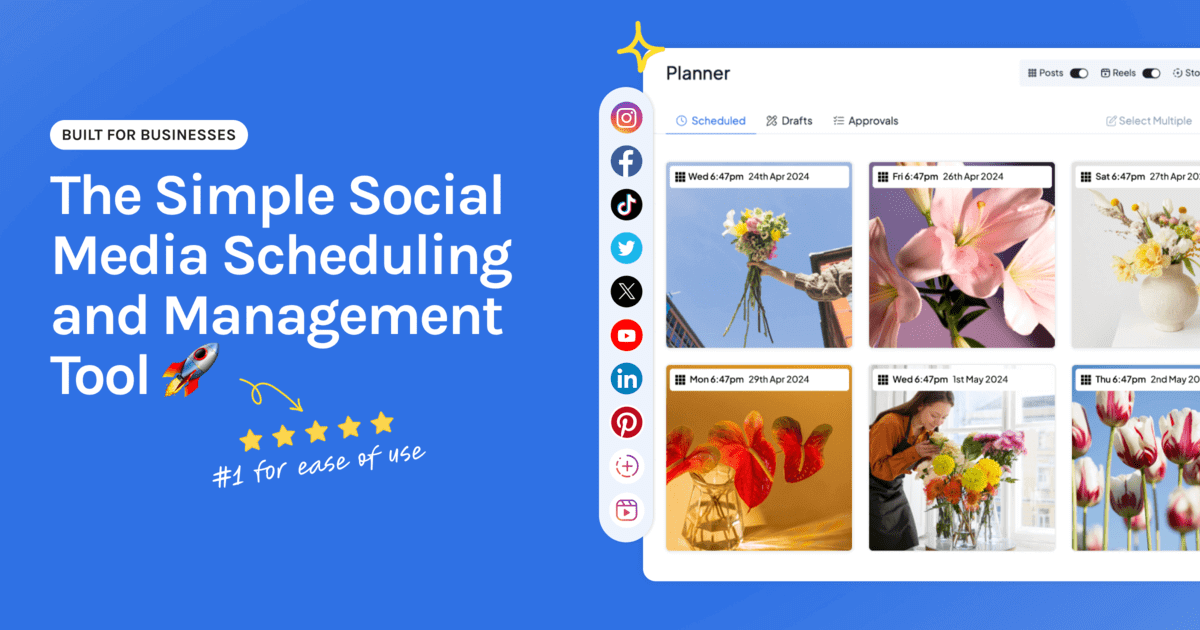
Hopper HQ puts every client account in one drag-and-drop calendar and charges the same amount for each one, so your costs grow in step with your client list.
Key features: visual calendar, Instagram grid preview, bulk upload with CSV import, auto-publishing for posts, Reels, Stories, and videos, cross-posting with a caption for each network, analytics, an AI assistant, and a link in bio page for each account.
Best for: freelance and solo social media managers whose clients care how their feed looks.
Pricing: $5 per connected social account per month on Grow, billed annually ($6 billed monthly), with every feature included. If clients need to log in and approve, Scale is $10 per account with unlimited users, team permissions, and content approvals. Every plan starts with a free 14-day trial.
Watch for: Hopper HQ focuses on planning and publishing. If you reply to comments for clients and want one shared inbox, or need a client dashboard under your own brand, another tool fits better.
2. Buffer, best for plain, quick scheduling
Buffer keeps scheduling simple, with queues that keep a steady flow of posts going.
Key features: publishing queues, a clean interface, and an approachable free tier.
Best for: managers whose clients post mostly text and links.
Watch for: light visual planning. See Buffer alternatives.
3. Later, best for Instagram-first clients
Later is a visual planner with a well-known link in bio tool.
Key features: visual planner, media library, grid preview, and link in bio.
Best for: managers whose clients are Instagram-led brands.
Watch for: plans are sold as social sets, so several clients can mean several sets. See Later alternatives.
4. Metricool, best for managers who send detailed reports
Metricool leads with analytics and also schedules.
Key features: cross-network analytics, competitor tracking, ad reporting, and scheduling.
Best for: managers whose clients expect a thorough monthly report.
Watch for: a less visual planning experience. See Metricool alternatives.
5. Publer, best for many networks at a low entry price
Publer covers a long list of networks and has a free plan.
Key features: bulk scheduling, post recycling, and workspaces.
Best for: managers with clients spread across lots of different networks.
Watch for: check how extra users are charged. See Publer alternatives.
6. Planable, best for a formal client approval process
Planable is built around review and sign-off.
Key features: comments in context, side-by-side previews per network, multi-level approvals, and version history.
Best for: managers whose clients want to see and approve every post.
Watch for: analytics are lighter, so you may need something alongside it.
7. SocialPilot, best for a large number of client accounts
SocialPilot is built for volume.
Key features: bulk scheduling, client management, and approvals.
Best for: managers who’ve grown to dozens of accounts.
Watch for: planning is less visual. See SocialPilot alternatives.
What your scheduler costs per client
Per-account pricing makes this straightforward to work out. On Hopper HQ’s Grow plan, billed annually:
| Your client list | Accounts | Monthly cost |
|---|---|---|
| One client, Instagram and Facebook | 2 | $10 |
| Three clients, two accounts each | 6 | $30 |
| Five clients, three accounts each | 15 | $75 |
Each new client adds a fixed amount, which you can build into your fee or add to the invoice. Our guide to the cheapest social media schedulers explains how the other pricing models compare.
A weekly routine that works
- Plan one client at a time. Filter the calendar to a single client and finish their week before moving on.
- Batch by task. Write all the captions, then build all the graphics, then schedule. See how to schedule social media posts.
- Upload in bulk. Add a client’s whole month in one sitting.
- Send for approval once. One review per client per month beats a message for every post.
- Check what worked. Spend ten minutes per client on the numbers before you plan the next month.
Managing a lot of profiles? Our guide to managing multiple social media accounts goes deeper on staying organized.
How to choose
- Visual content, known cost per client: Hopper HQ.
- Plain scheduling: Buffer.
- Instagram-first clients: Later.
- Detailed client reports: Metricool.
- Many networks, low entry price: Publer.
- Formal approvals: Planable.
- Dozens of accounts: SocialPilot.
Compare the whole field in our best social media scheduler guide.
Frequently asked questions
What is the best social media scheduler for a freelance social media manager?
Look for a tool that charges by account, keeps each client separate, and publishes every format on its own. Hopper HQ costs $5 per connected account per month on Grow, billed annually, with every feature included, so the cost of each new client is known in advance. Buffer suits plain scheduling, Metricool suits managers who send clients detailed reports, and Planable suits a formal approval process.
How much does a scheduler cost for a social media manager with several clients?
It depends on how the tool charges. On Hopper HQ, each client account is $5 a month on Grow, billed annually. Three clients with two accounts each are six accounts, or $30 a month. If clients need to log in and approve posts, Scale is $10 per account with unlimited users.
Can clients approve posts before they go out?
Yes, with a tool that includes approvals. Hopper HQ's Scale plan includes content approvals, team permissions, and unlimited users, so clients can review without adding to the bill. Check any tool for whether client reviewers count as paid users.
How do I keep client accounts separate in one scheduler?
Choose a tool that lets you filter the calendar by account and shows clearly which account a post belongs to. Name each account by client, plan one client at a time, and check the account before you schedule.
Should I pass the cost of a scheduler on to clients?
Many social media managers do, either as a line on the invoice or built into the monthly fee. Per-account pricing makes this simple, because each client's share is a fixed amount.
Is a free scheduler enough for a social media manager?
It can be for one or two clients on Facebook and Instagram. Free plans cap accounts and posts, so most managers move to a paid tool once they have a few clients or post to several networks.
Take your social game further with Hopper HQ.
Plan, schedule and auto-post to every channel in one place. Free for 14 days · Cancel anytime.